Math Speed: Unlock 10x Faster Mental Math Reaction Speed
Stop freezing when doing math in your head. Train your brain with rapid 30-second arithmetic sprints, 3 practice user profiles, smart mistake coaching shortcuts, 3-day free trial, and millisecond reaction tracking.
Why Math Speed Pro Is the Smarter Choice
Most math apps trap you in expensive $60–$120/year subscriptions or break your focus with 30-second video ads. Math Speed Pro is engineered differently: 100% ad-free, smart error coaching, multi-user household profiles, and a true Pay-Once Lifetime license.
Math Speed Pro (v3.0)
- 100% Zero Ads Ever — Zero banner popups, unskippable video delays, or tracking trackers.
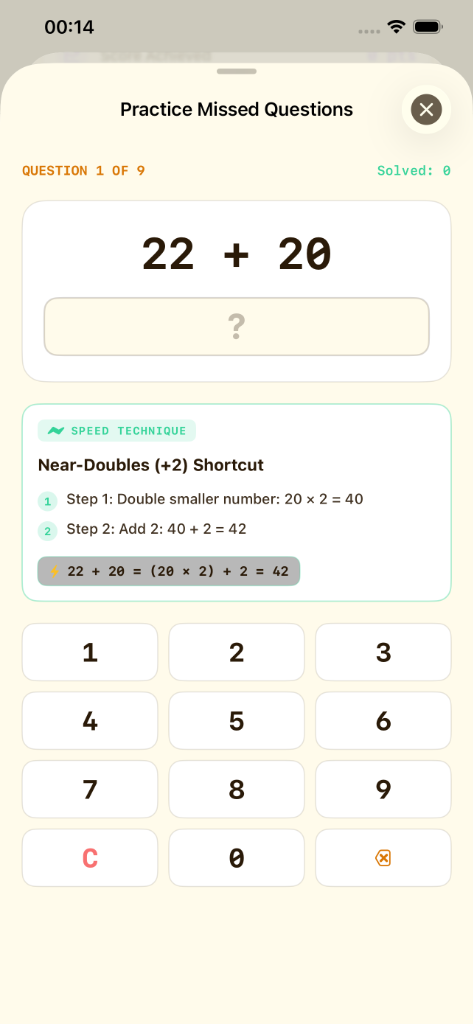
- Smart Mistake Coaching — Analyzes missed questions with step-by-step arithmetic shortcuts & instant keypad re-drills.
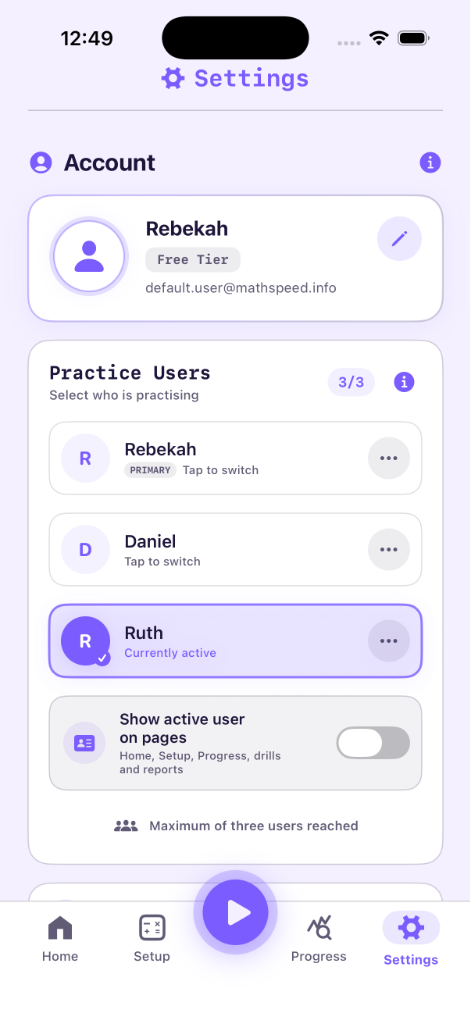
- 3 Practice User Profiles — Up to 3 users on one device with isolated session logs, speed curves & difficulty settings.
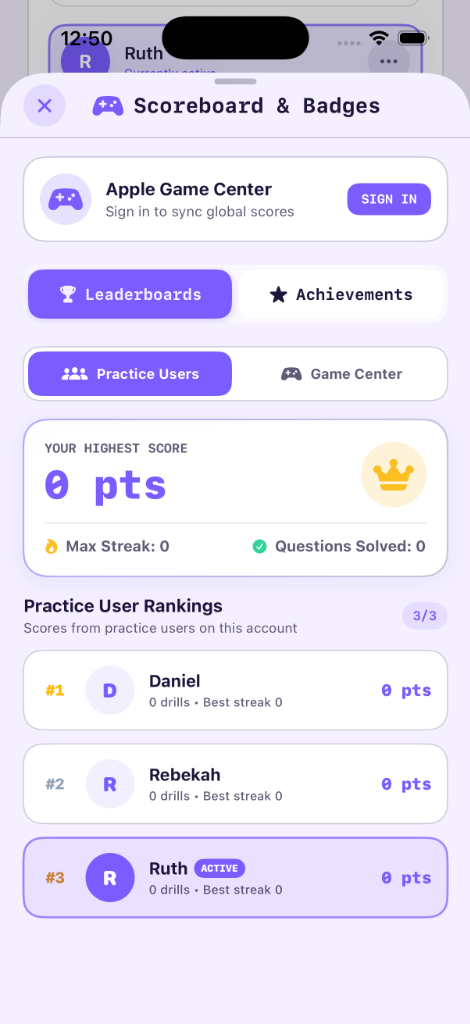
- Household Scoreboard — Family ranking podiums & high-score tallies across profiles.
- 0.001s Reaction Telemetry — High-resolution millisecond latency curves in Apple SwiftData.
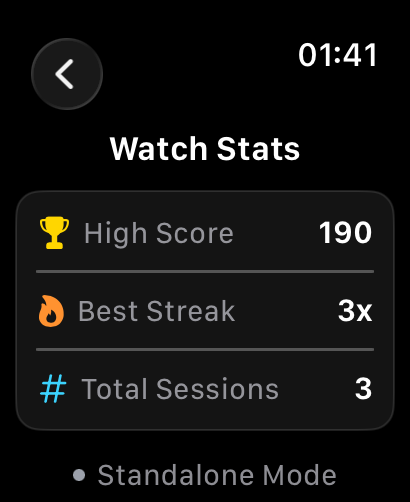
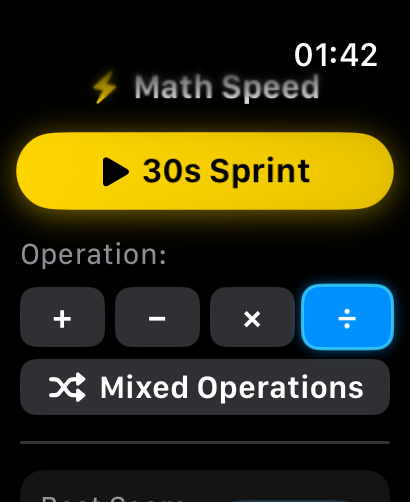
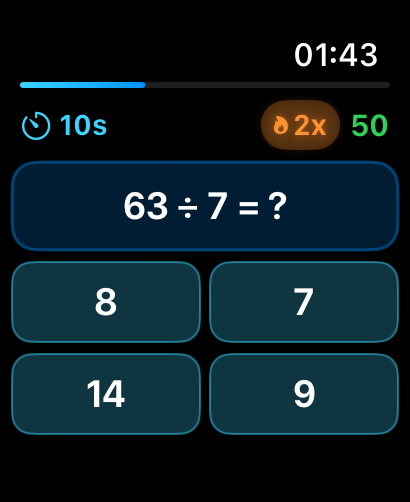
- Standalone Apple Watch App — Full watchOS drills with tactile wrist haptics and background sync.
- Pay Once Option — Avoid monthly bill creep; keep full Pro access permanently.
- Daily 60s Free Refill — Automatic mental workout refill every 24 hours with live countdown timer.
- 20 OLED Designer Themes — Curated palettes for day and true-black night sessions.
- 100% On-Device Privacy — Procedural math generation on your device with zero data collection.
Subscription Brain Apps
- Aggressive upsell paywalls and renewal traps
- Generic text tips (No interactive keypad retest)
- 1 single account (Family members corrupt your stats)
- No household scoreboard or family ranking podium
- Coarse 1-second timer only (No millisecond telemetry)
- Phone-tethered only (No standalone Apple Watch app)
- No Lifetime Pro pay-once option (Forced auto-renew)
- Hard paywalls with zero daily free practice refills
- Locked default interface (No custom theme engine)
- Mandatory account registration & server analytics
Ad-Heavy Math Clones
- 30-second unskippable video ads after every single drill
- Red ❌ buzzer only (Zero coaching or mental shortcuts)
- 1 single account only (No family multi-user support)
- No shared scoreboard or competitive ranking podium
- Basic round timer without per-question reaction data
- No iPad optimization or Apple Watch standalone app
- No pay-once option (Bombards you with ad banners)
- Constant annoying popups to buy ad-removal packs
- Outdated, pixelated, non-responsive design
- Third-party advertising SDKs tracking your activity
| Feature / Capability | ⚡ Math Speed Pro (v3.0) | 📱 Subscription Apps ($60–$120/yr) | 📺 Free Ad-Heavy Apps | 📝 Paper Flashcards |
|---|---|---|---|---|
| Pricing & Ownership | 3-Day Free Trial, $19.99/yr or $29.99 Lifetime Pro | Expensive $60–$120/yr lock-in | Hidden paywalls & spam ads | $15–$30 per physical deck |
| Distraction & Ads | 100% Zero Ads Ever | Frequent upsell popups | 30s unskippable video ads | No Ads |
| Multi-User Practice Profiles | 3 Practice Users with Rankings & Avatars | 1 Account Only (Scores mixed up) | 1 Account Only | Manual Paper Sorting |
| Smart Mistake Coaching | Step-by-Step Shortcuts & Keypad Retest | Generic text tips | Red ❌ only (No coaching) | None |
| Response Speed Resolution | 0.001s Millisecond Precision Curves | Rounded 1-second timer | Basic total round timer | Manual stopwatch |
| Apple Watch Standalone App | Full watchOS App + Wrist Haptics | Rare or phone-tethered only | None | None |
| Privacy & Offline Storage | 100% On-Device SwiftData (Zero Tracking) | Cloud account required | Aggressive ad-tracking SDKs | 100% Offline |
Detailed Features & Specifications (v3.0)
Explore the procedural arithmetic engines, 3 practice user profiles, smart mistake coaching, and Apple-native framework architecture powering rapid cognitive arithmetic acquisition.
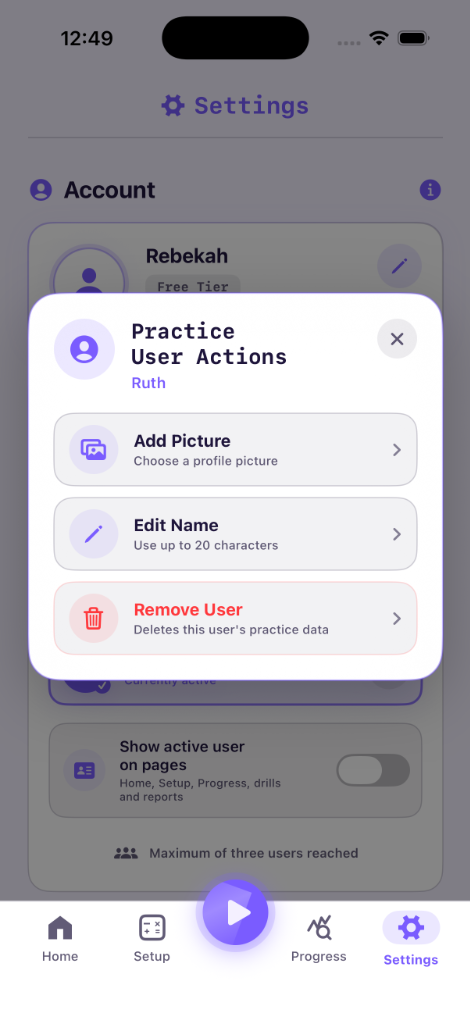
3 Practice User Profiles
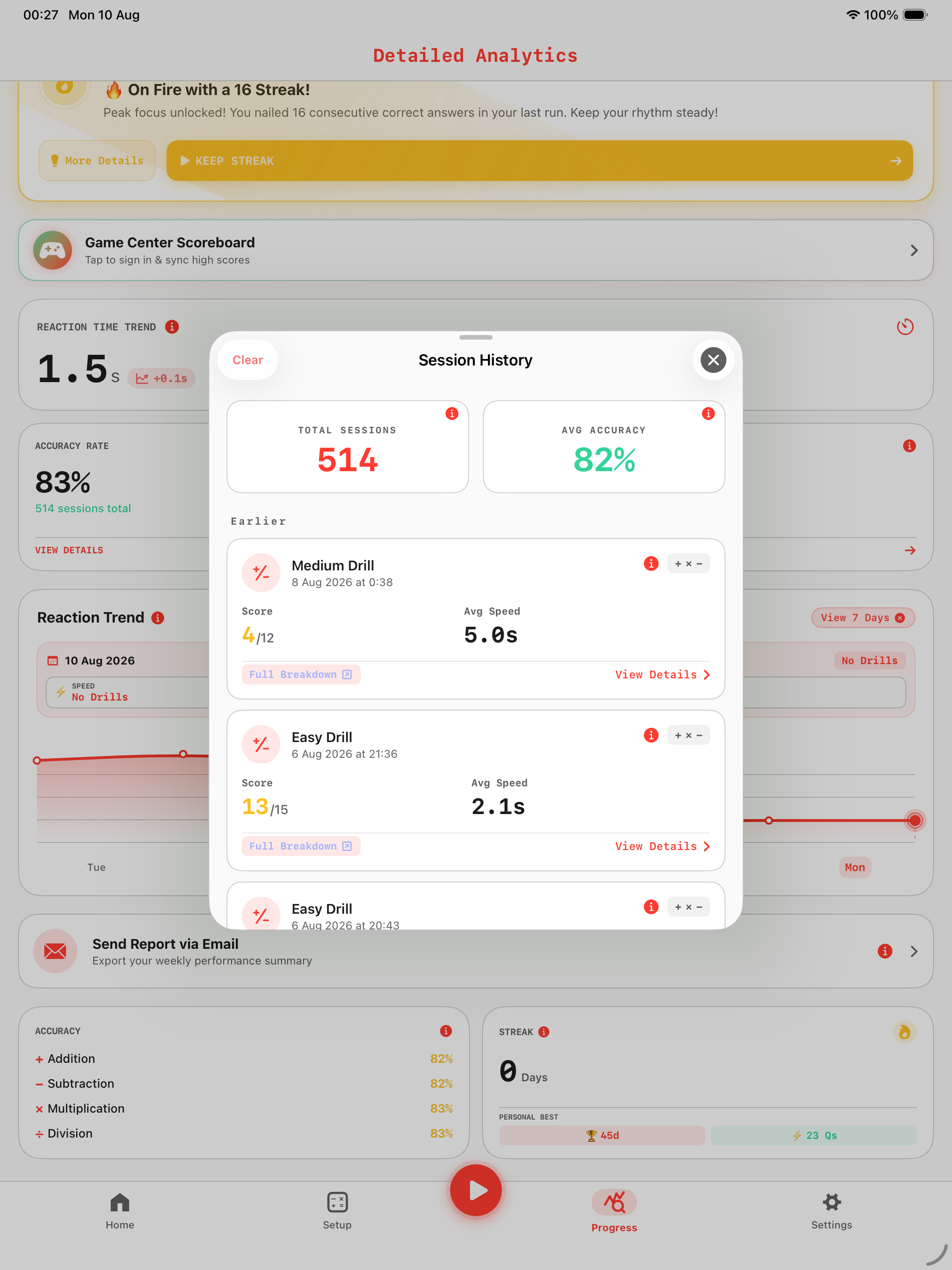
Support for up to 3 individual local practice profiles on a single device (Practice 1 to 3 or custom names). Each profile maintains completely isolated history logs, reaction time curves, accuracy scores, and custom difficulty settings with built-in settings change safety warnings.
4 Isolated Profiles • Safety Warning Prompts
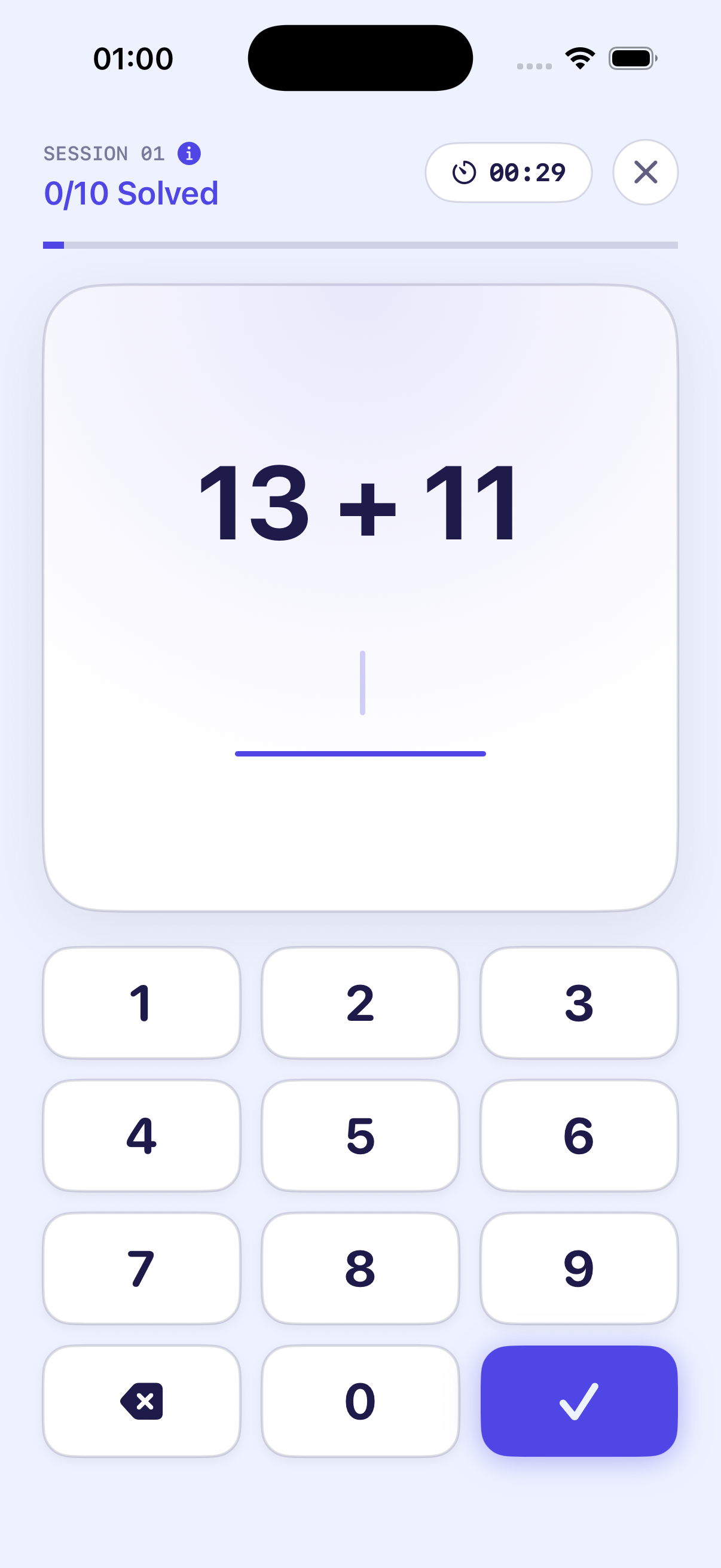
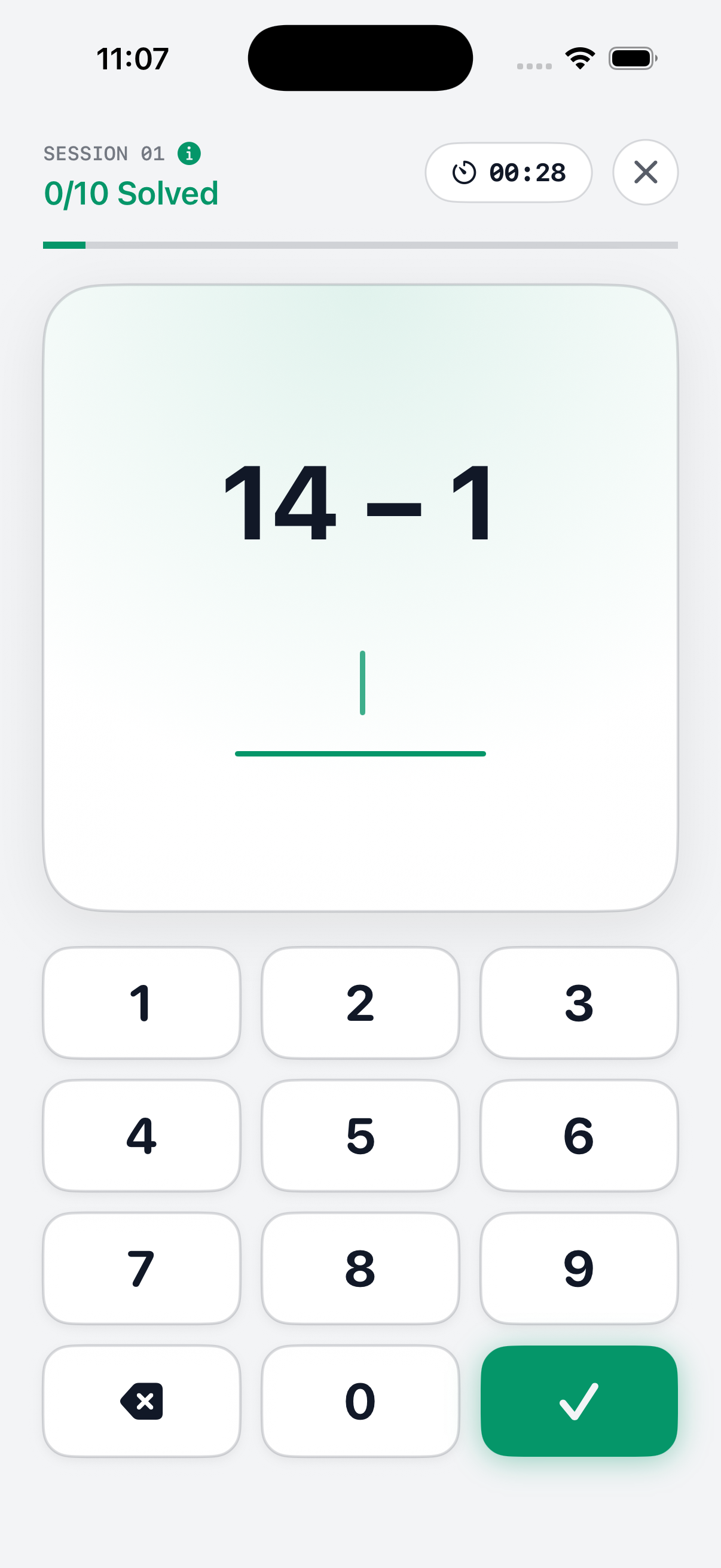
30-Second Rapid Sprints
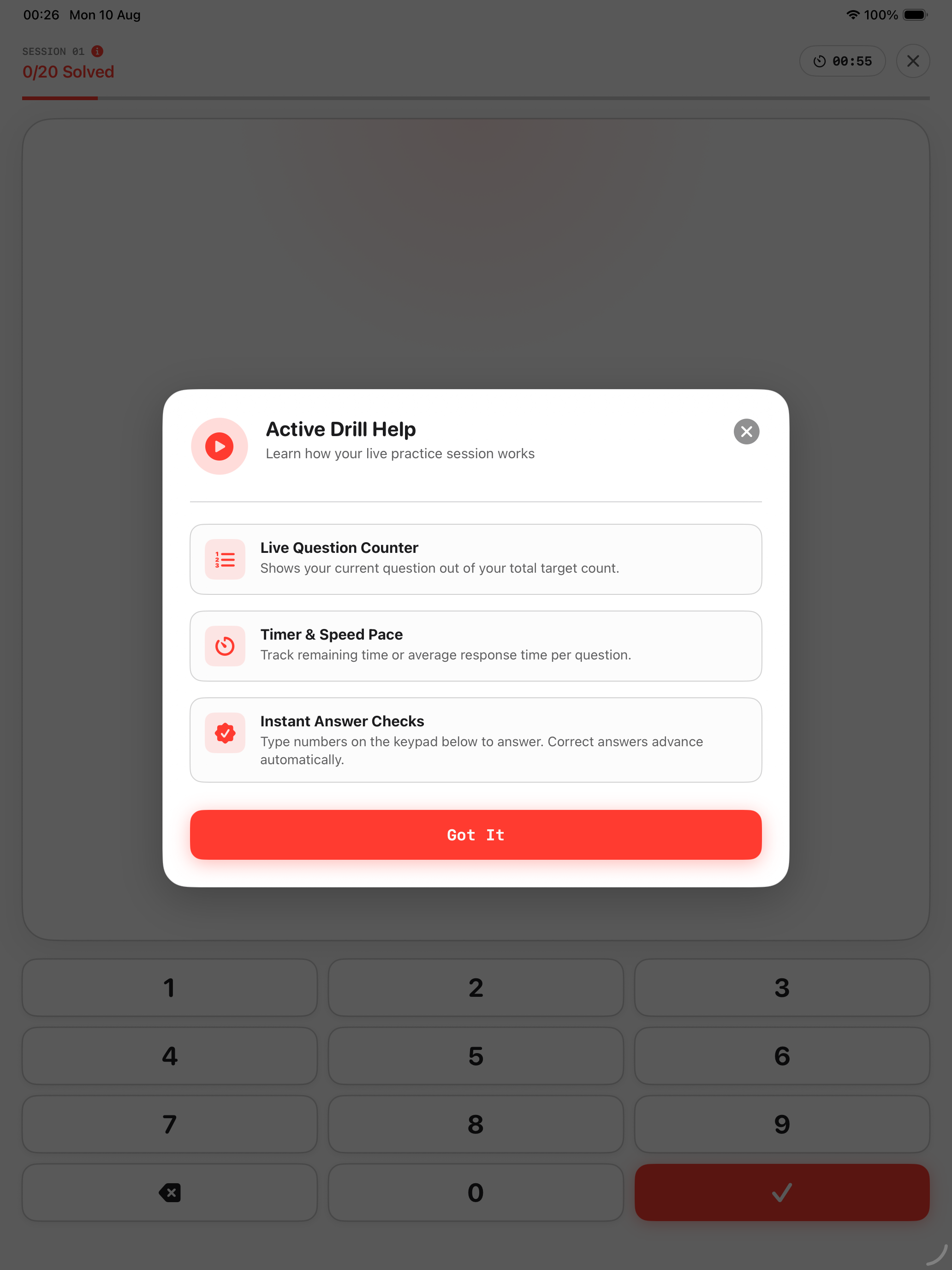
Each drill session presents a strict 30-second countdown window designed to push your brain past manual counting habits and activate instant numerical recognition.
Target Reaction: Under 0.5s per question
Procedural Problem Generation
Our algorithm constructs arithmetic equations algorithmically on your phone using custom difficulty range parameters. You will never encounter static pre-programmed answer keys.
Infinite Questions • Zero Repetition
Smart Improvement Tips & Retest
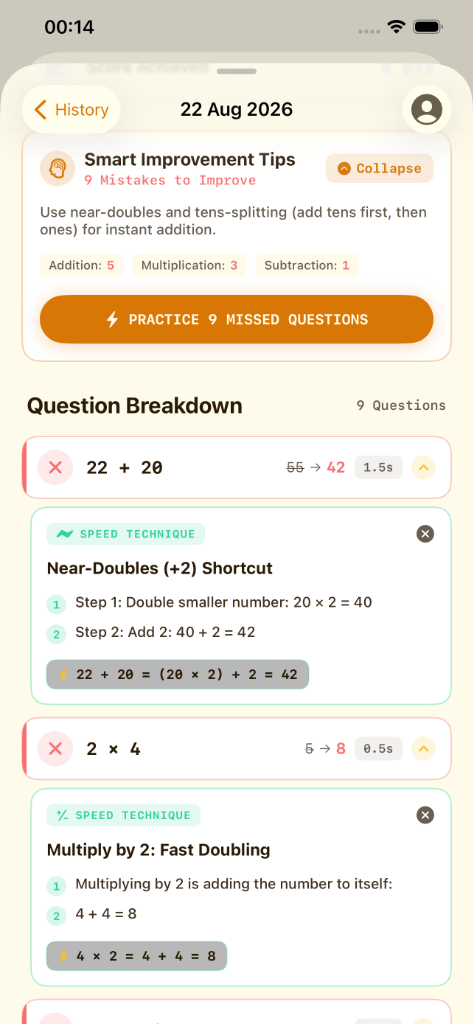
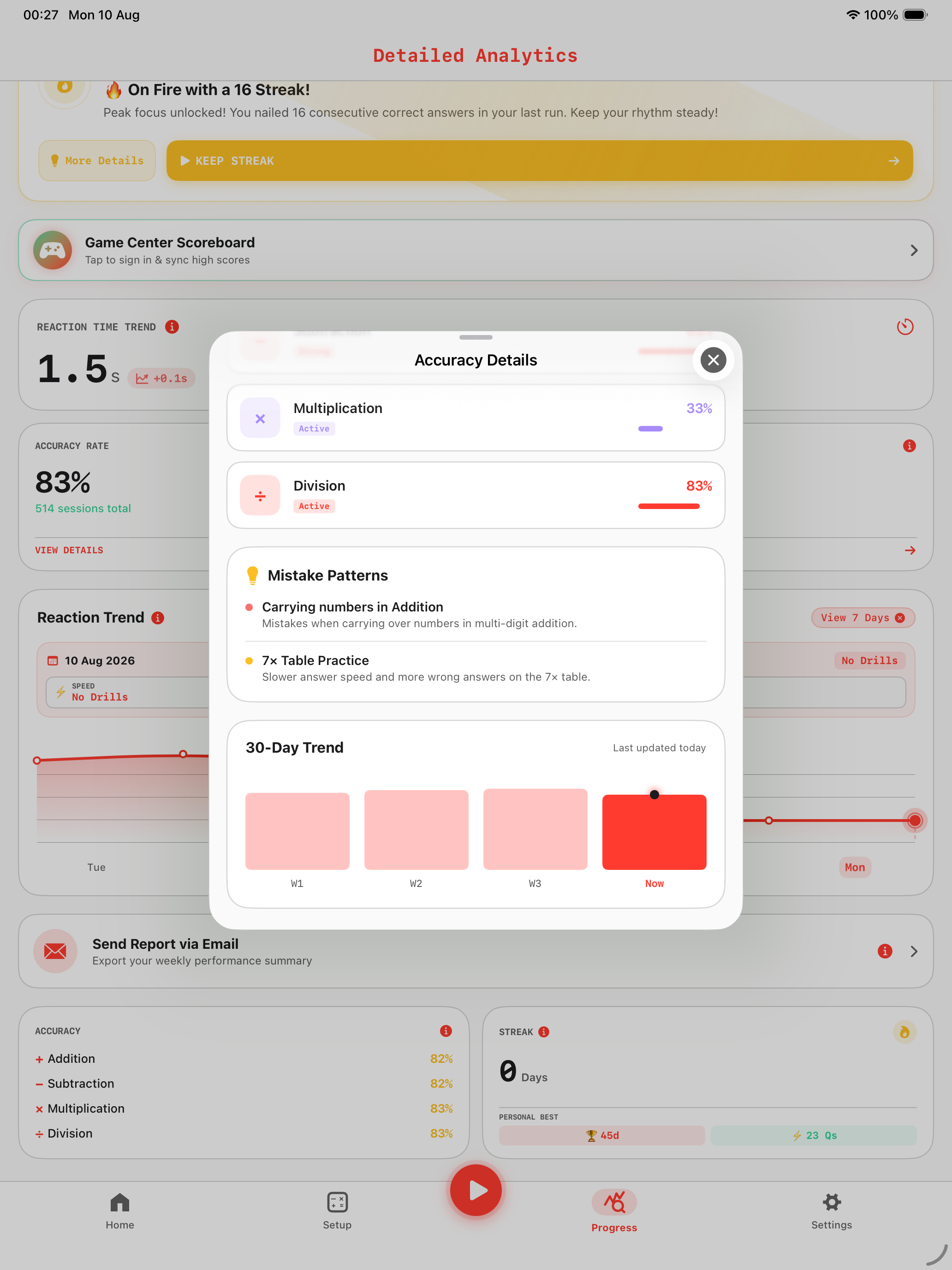
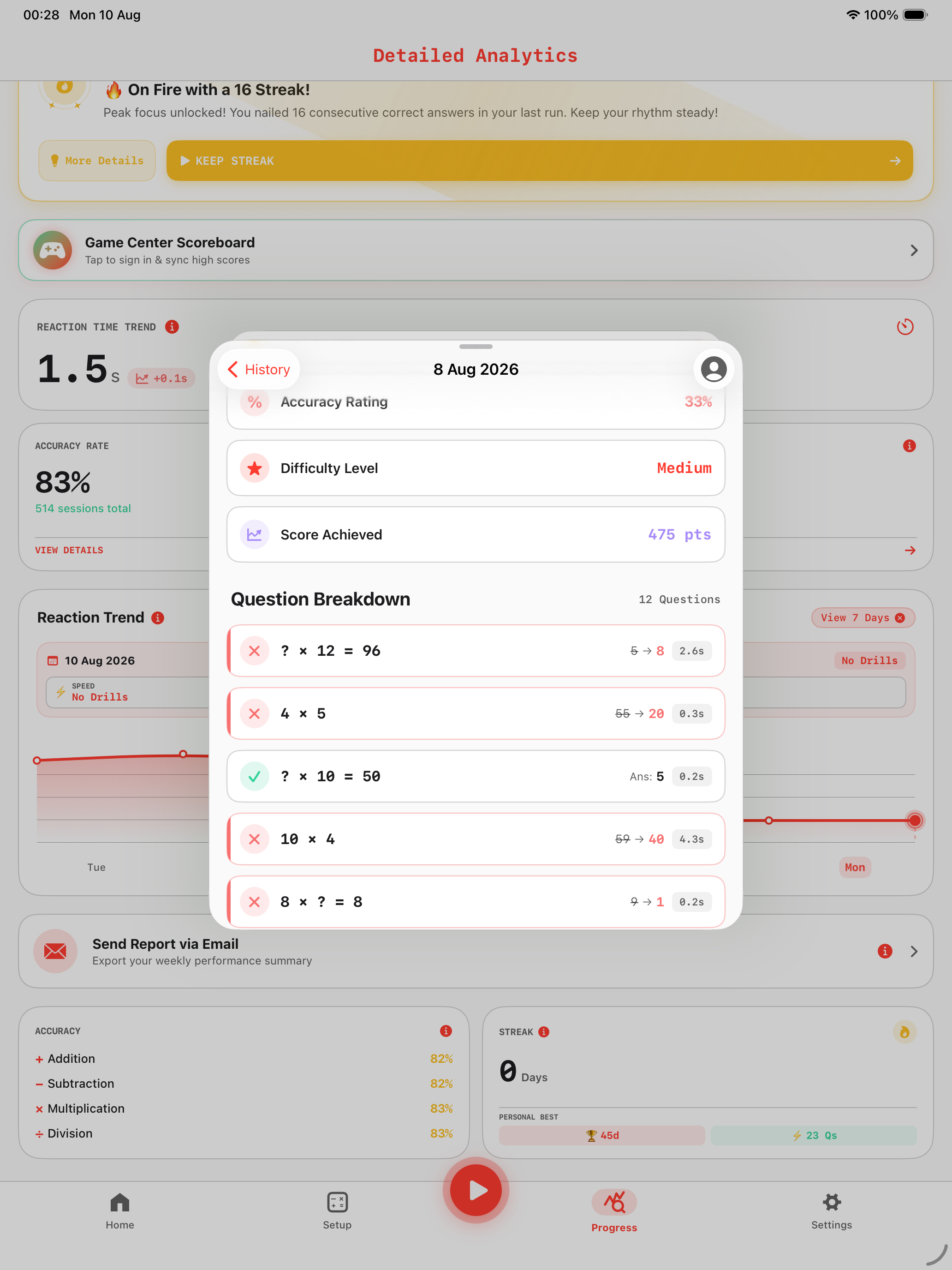
Made a wrong tap? MathTipService categorizes mistakes by operator (+, −, ×, ÷), provides step-by-step Speed Techniques (Near-doubles, tens-splitting, fast doubling), and offers an instant ⚡ Practice Missed Questions re-drill button.
Step-by-Step Cognitive Tricks • Targeted Retest
60-Second Free Daily Refill
Enjoy an initial 2-minute starter allowance, followed by an automatic 60-second free workout refill every 24 hours with live countdown timer to foster consistent daily mental agility habits.
24h Automatic Refill • Zero Pressure
+, −, ×, ÷ Achievements Hub
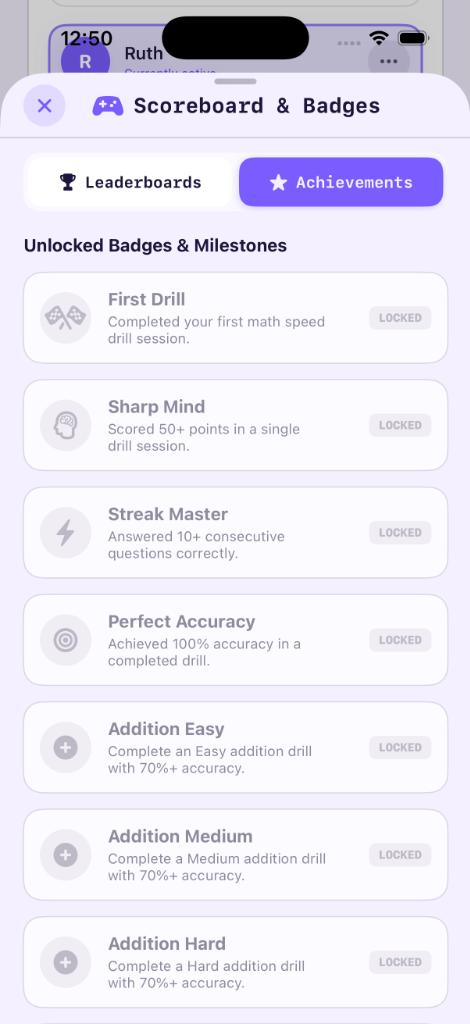
Comprehensive Apple Game Center achievement framework featuring dedicated medal tracks for each arithmetic operator across 4 difficulty tiers (Easy, Medium, Hard, Insane) and global leaderboards.
Medals for Each Operator • Global Leaderboards
Millisecond Latency Tracking
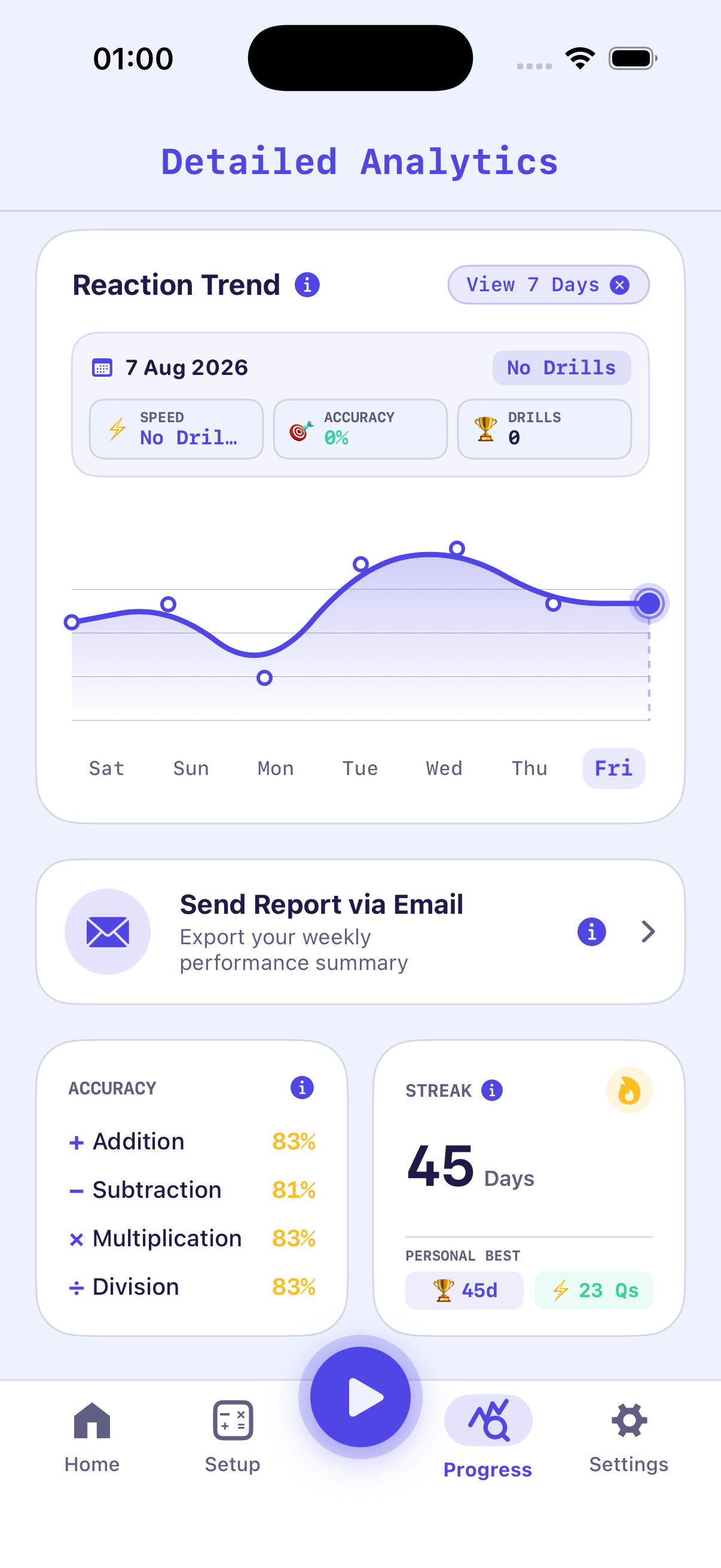
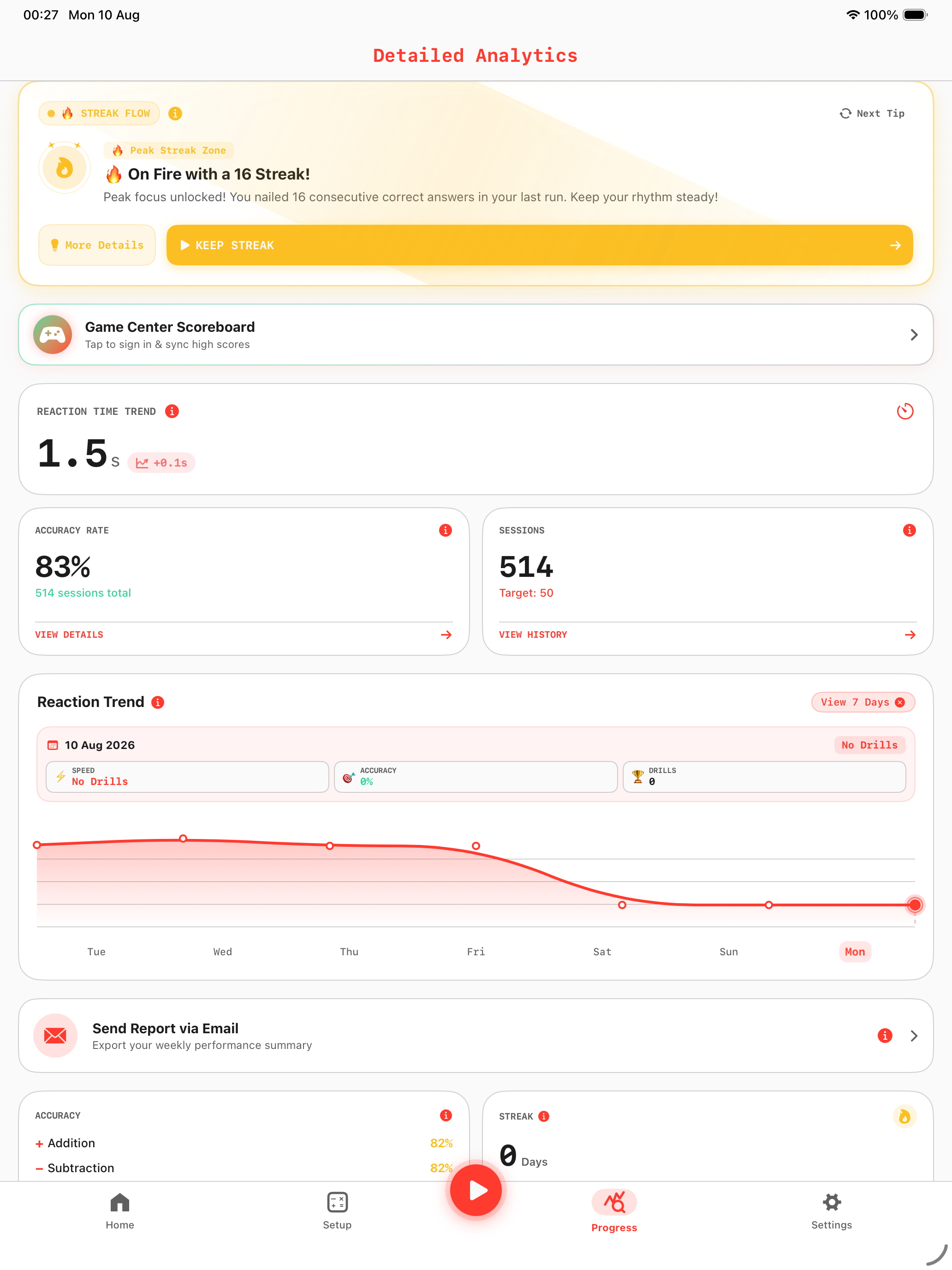
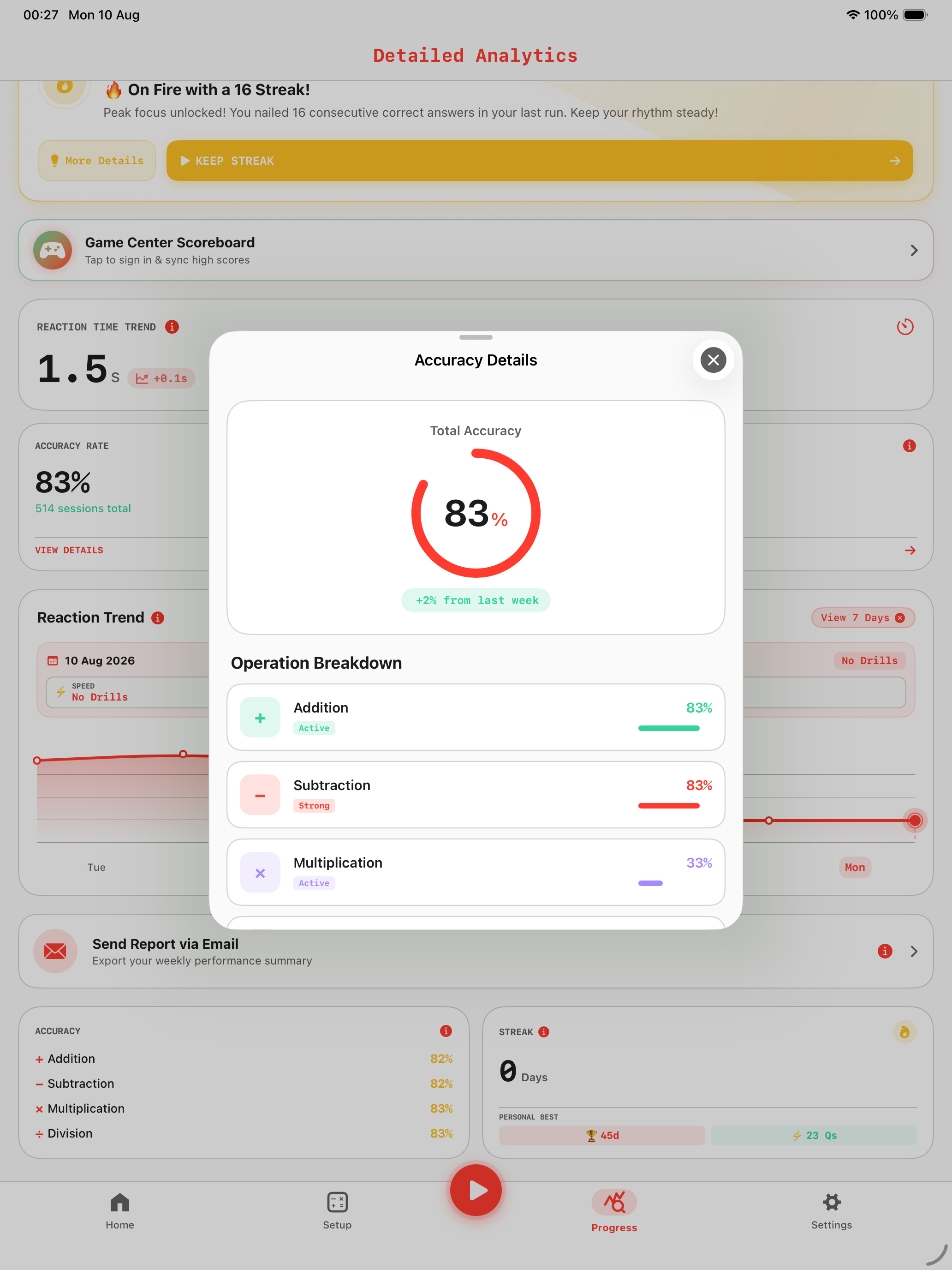
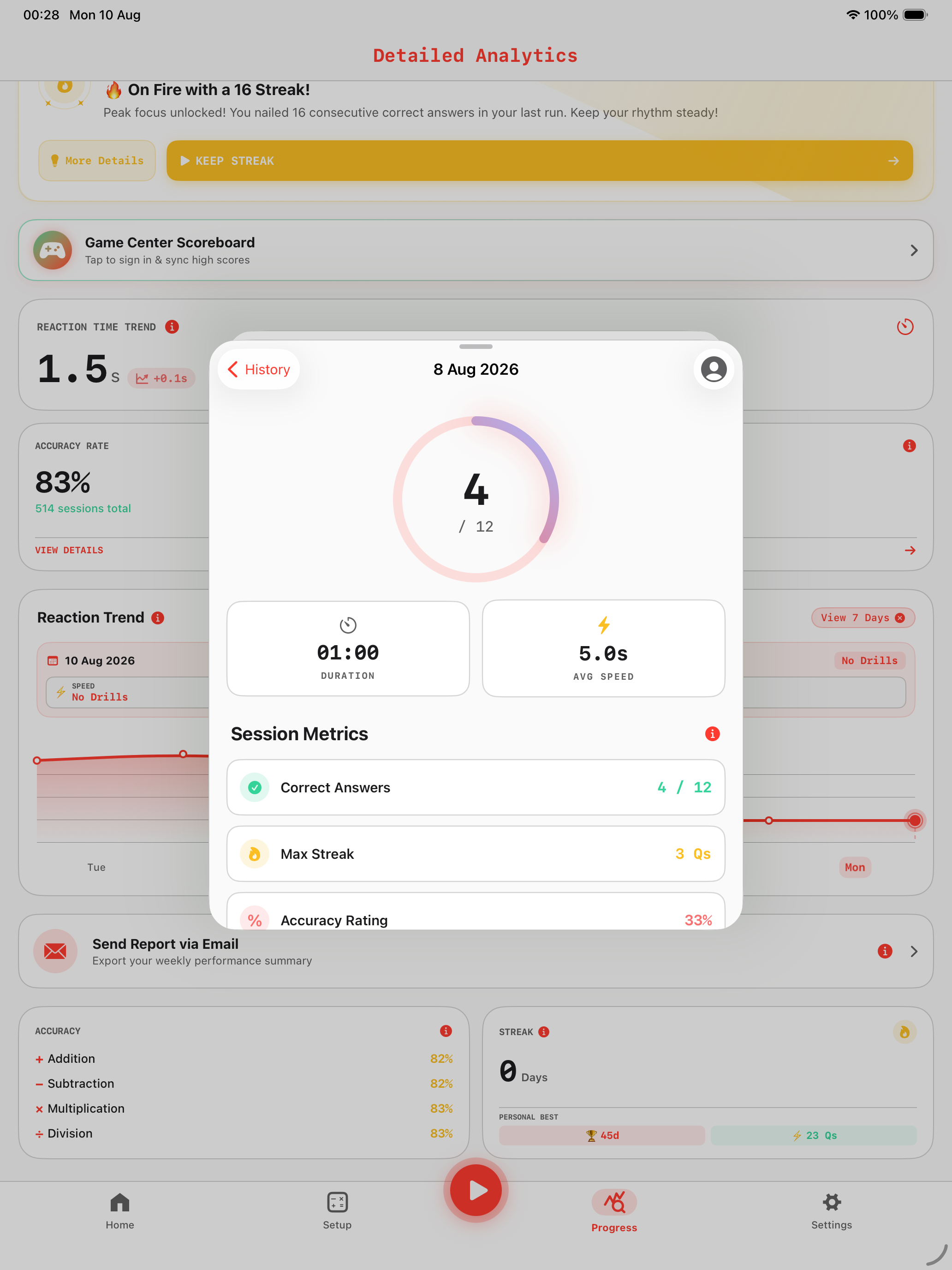
Every response timestamp is recorded directly into Apple SwiftData, generating interactive latency curves that highlight your peak calculation speeds and problem streak records.
100% Private On-Device Storage
Apple Haptic Wrist Feedback
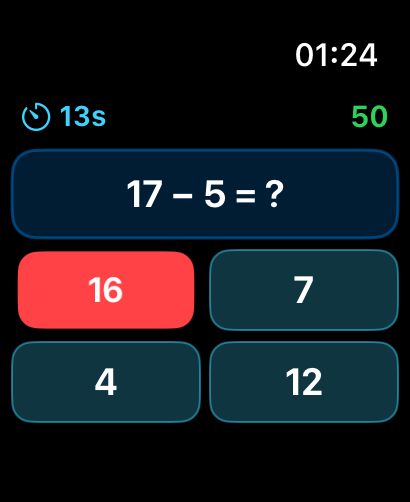
The standalone watchOS application utilizes CoreHaptics to deliver subtle wrist taps upon correct answers, allowing effortless practice anywhere without pulling out your phone.
WatchConnectivity Background Sync
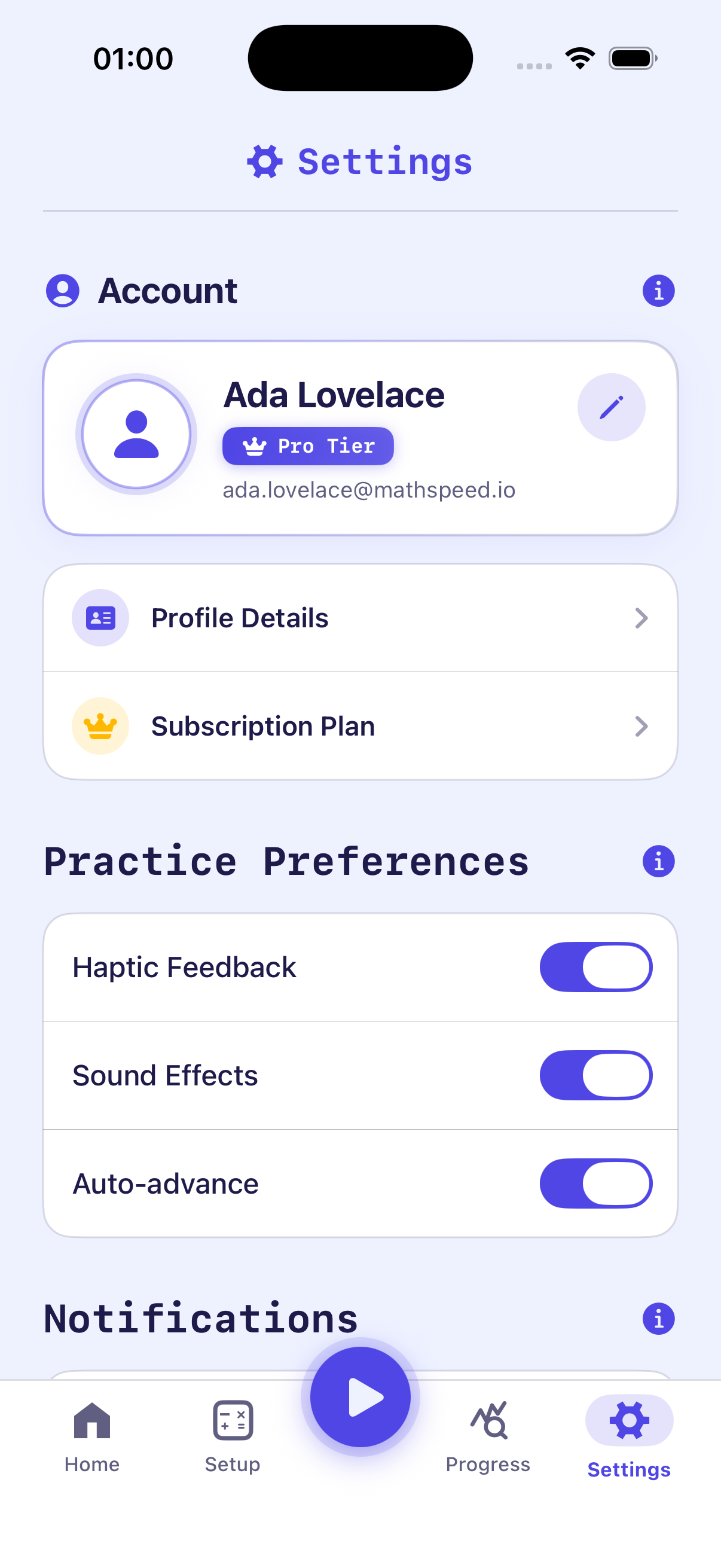
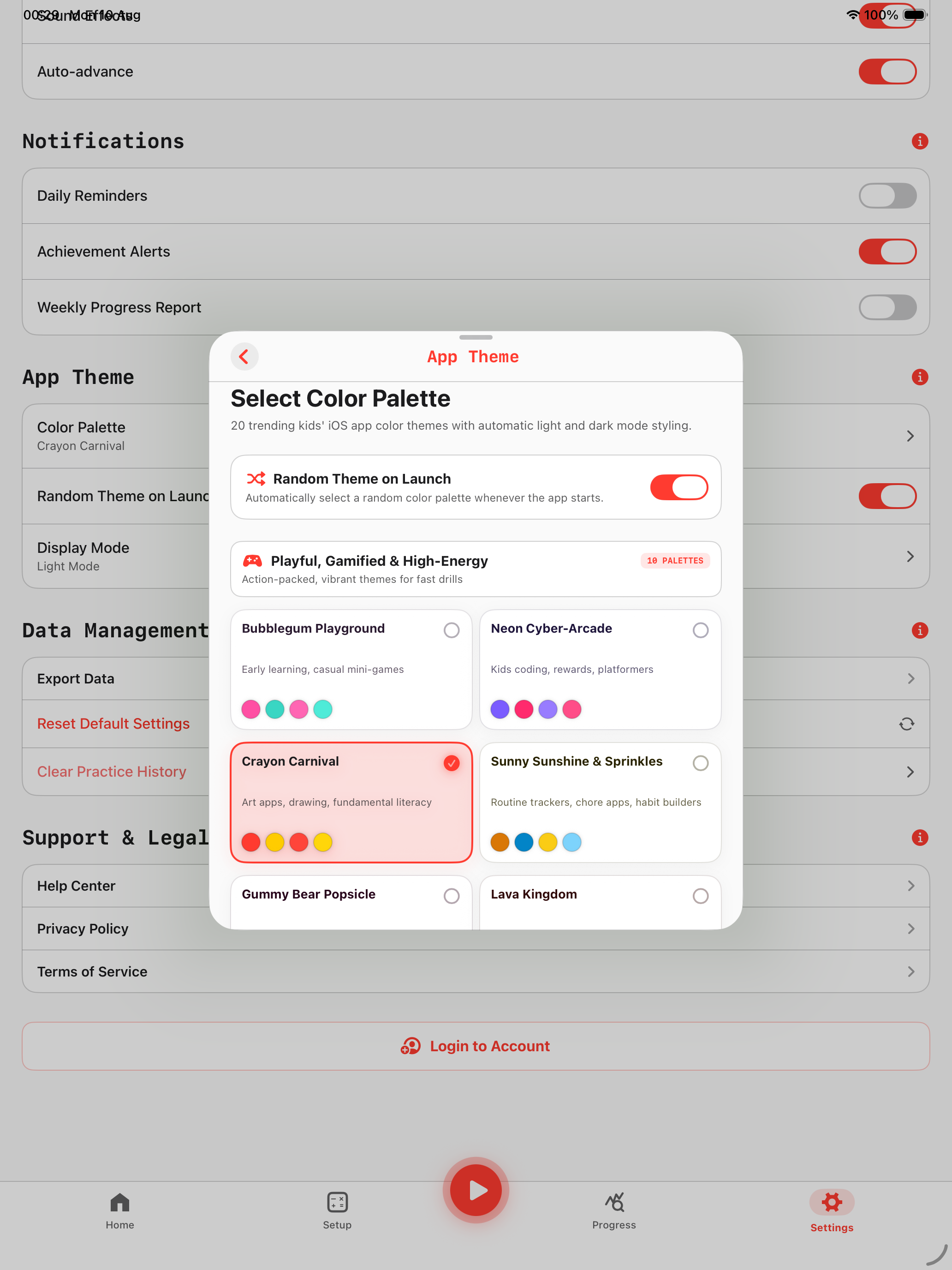
20 Dynamic Designer Themes
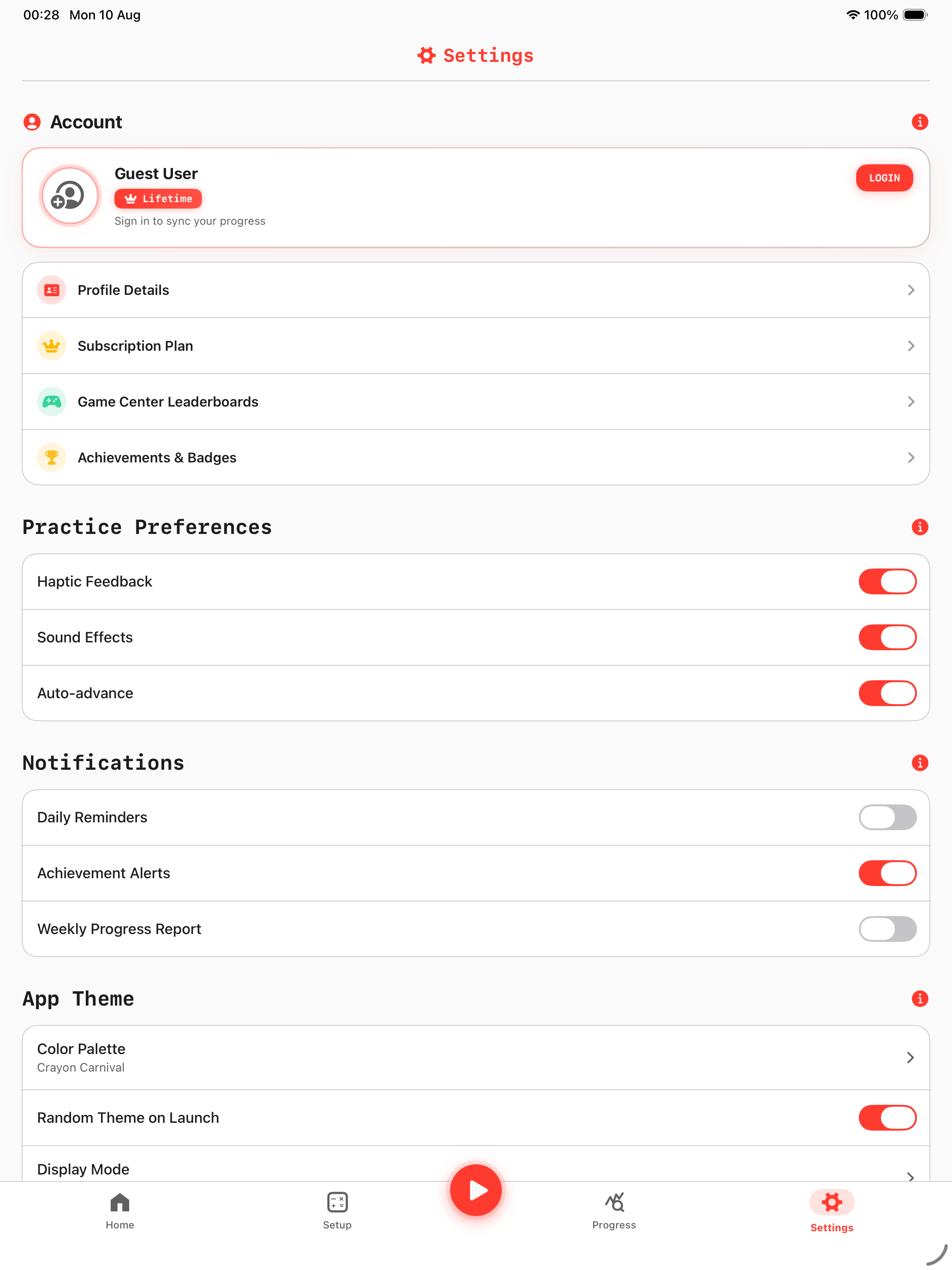
Customize your training arena with 20 curated palettes spanning Playful, Minimalist, Cyberpunk, and Warm tones with full Light & Dark OLED mode optimization.
20 Color Palettes • Adaptive OLED Dark
Siri Shortcuts & Quick Launch
Hands-free voice activation ("Hey Siri, Start Math Speed Drill") and iOS CoreSpotlight search indexing let you jump into specific arithmetic modes in less than a second.
App Intents • Deep Search Indexing
App Store Guideline 5.2.1 Compliance & Architecture Summary
Math Speed is an original educational software product built completely from scratch using Apple Native Frameworks (SwiftUI, SwiftData, CoreHaptics, WatchConnectivity). All question generation occurs procedurally on-device, and all graphics use Apple SF Symbols and original vector assets.
Designed for Focus & Cognitive Speed
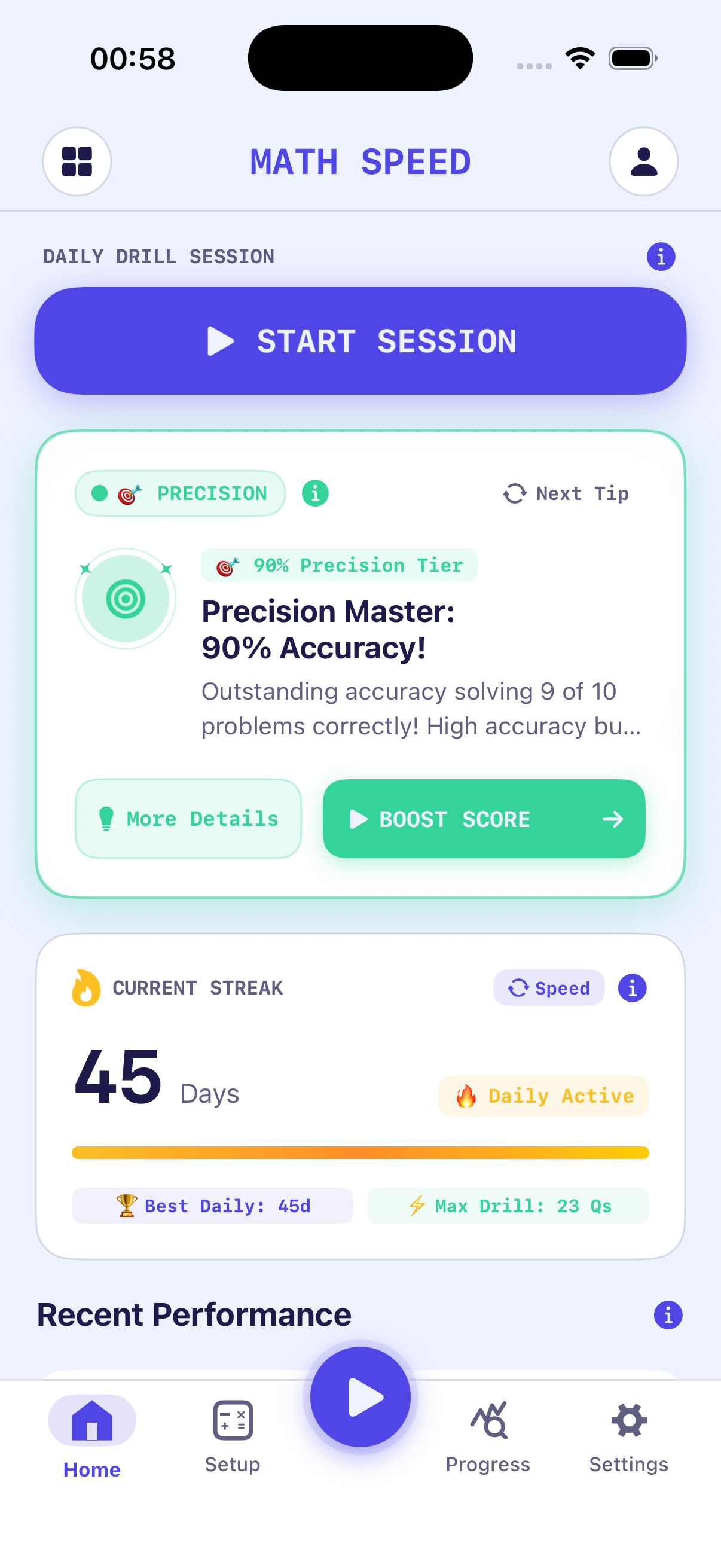
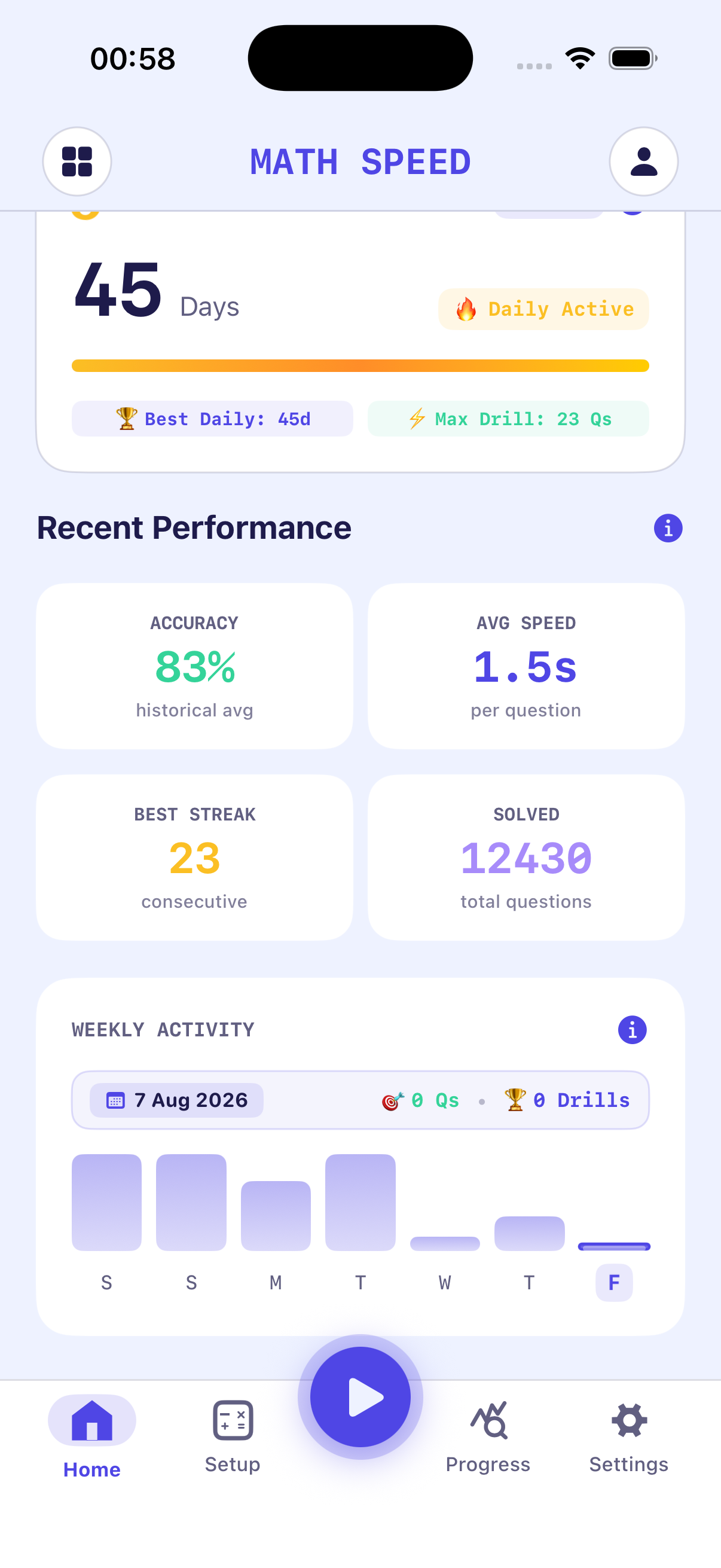
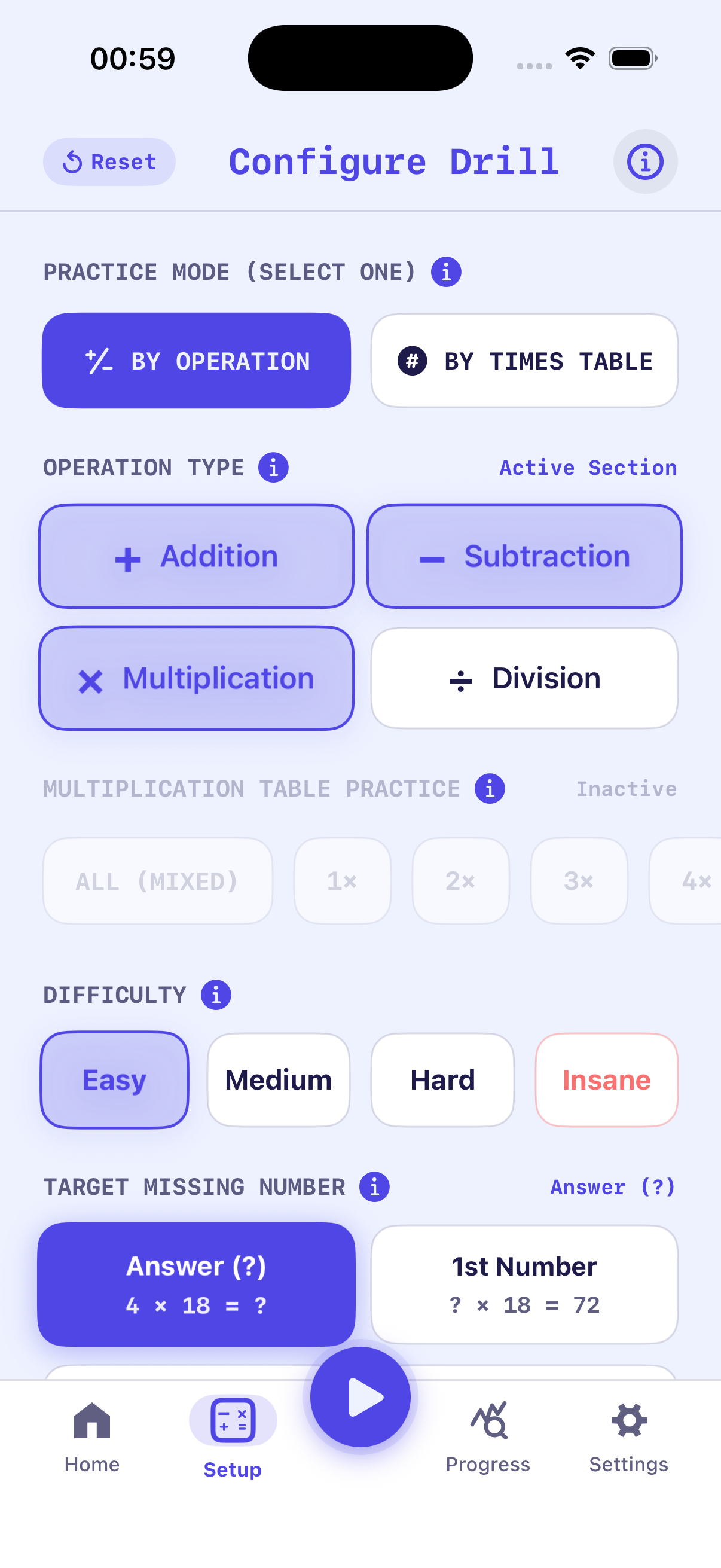
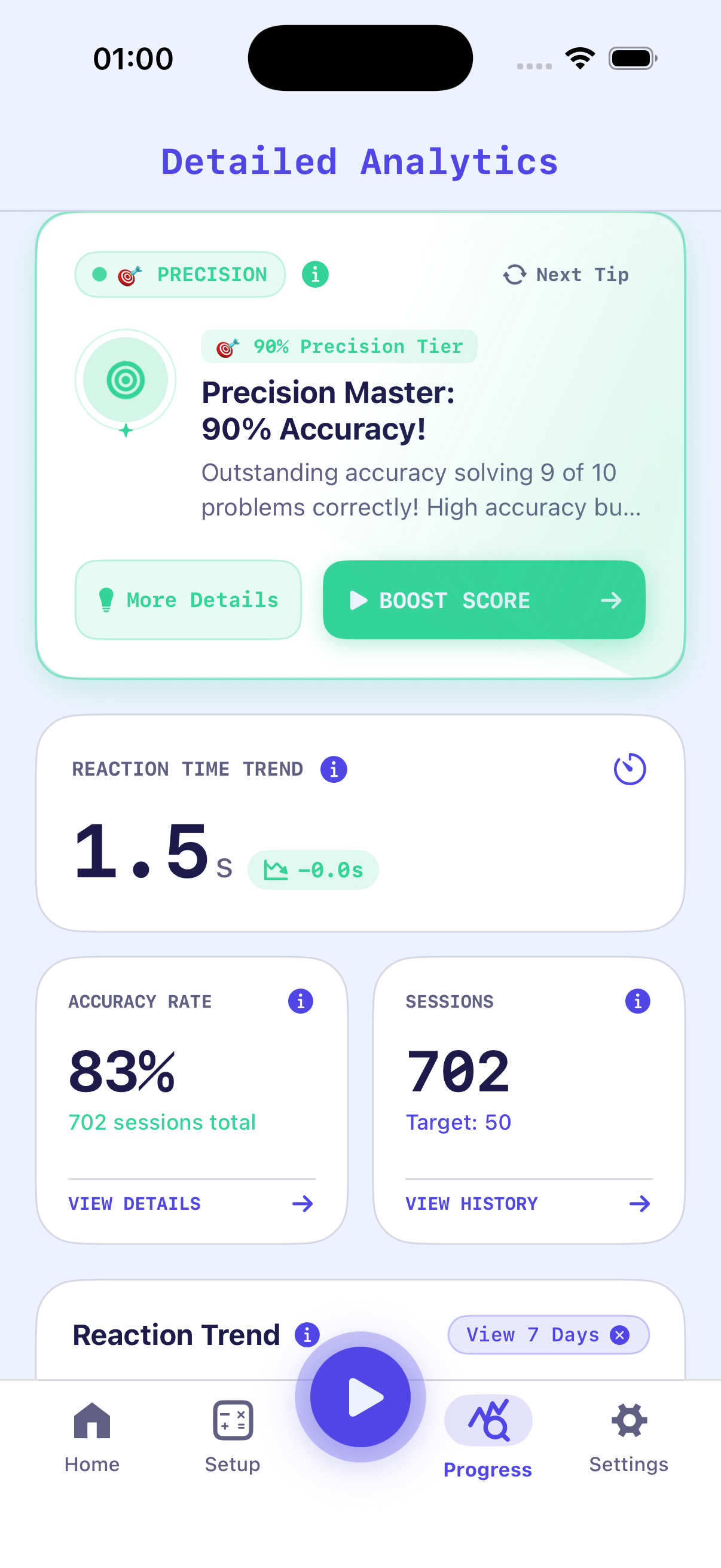
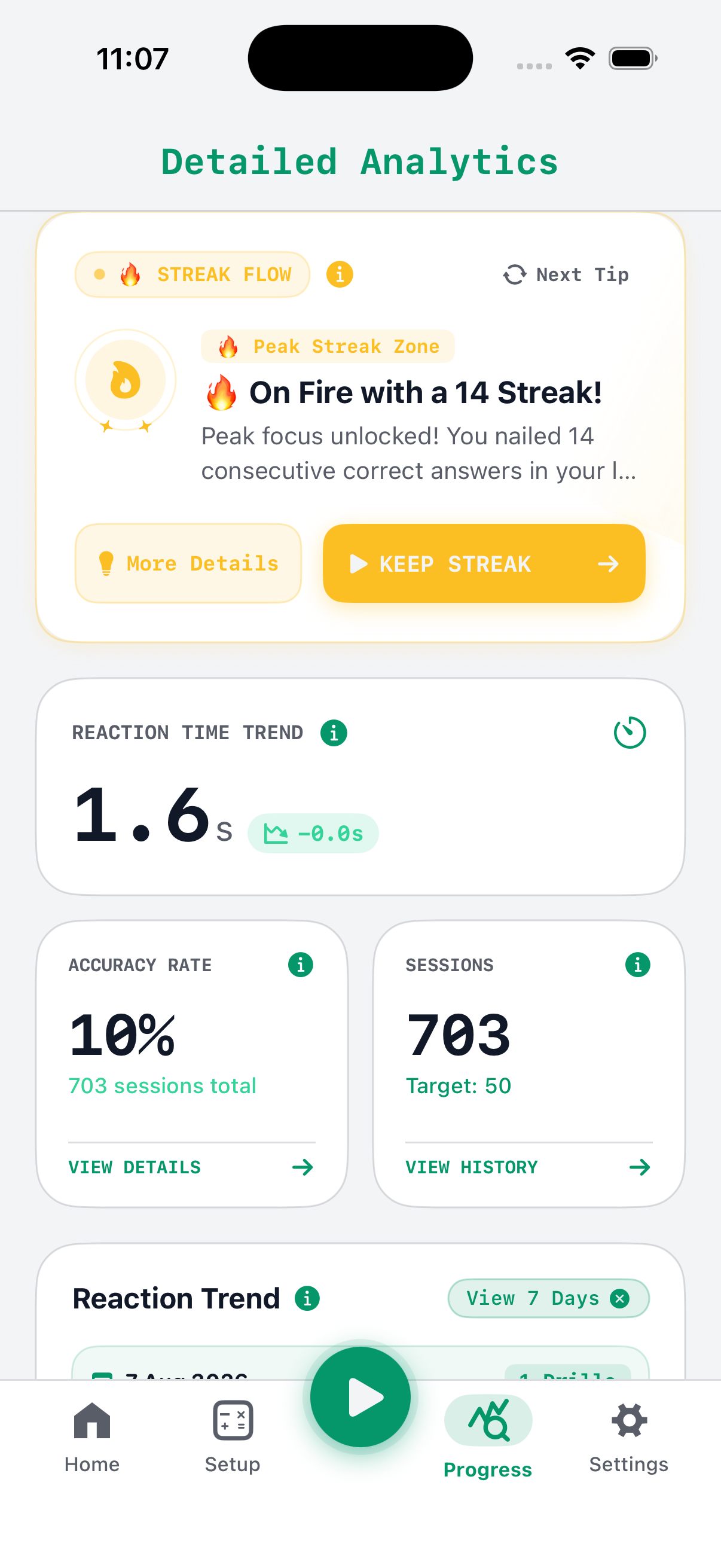
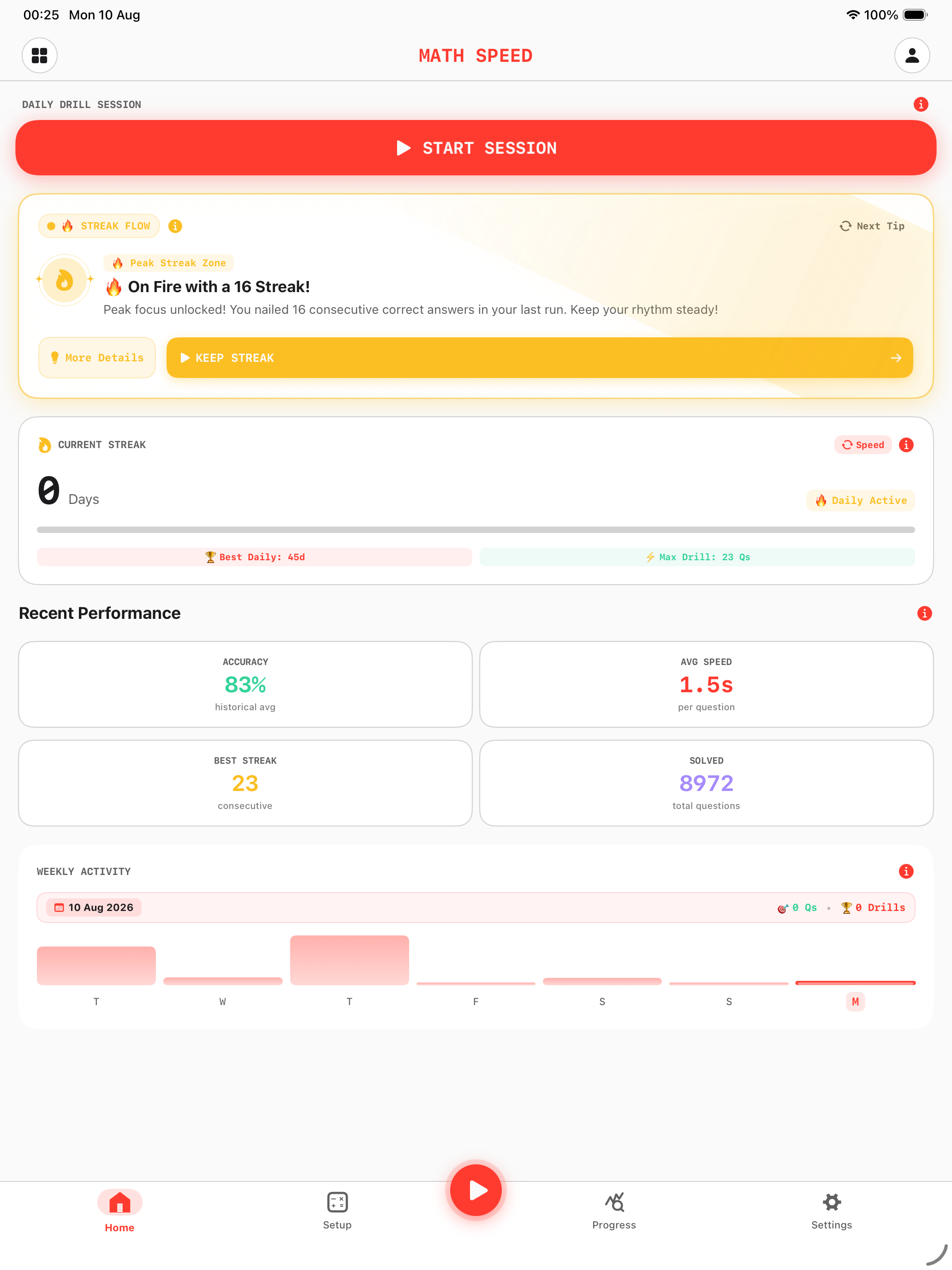
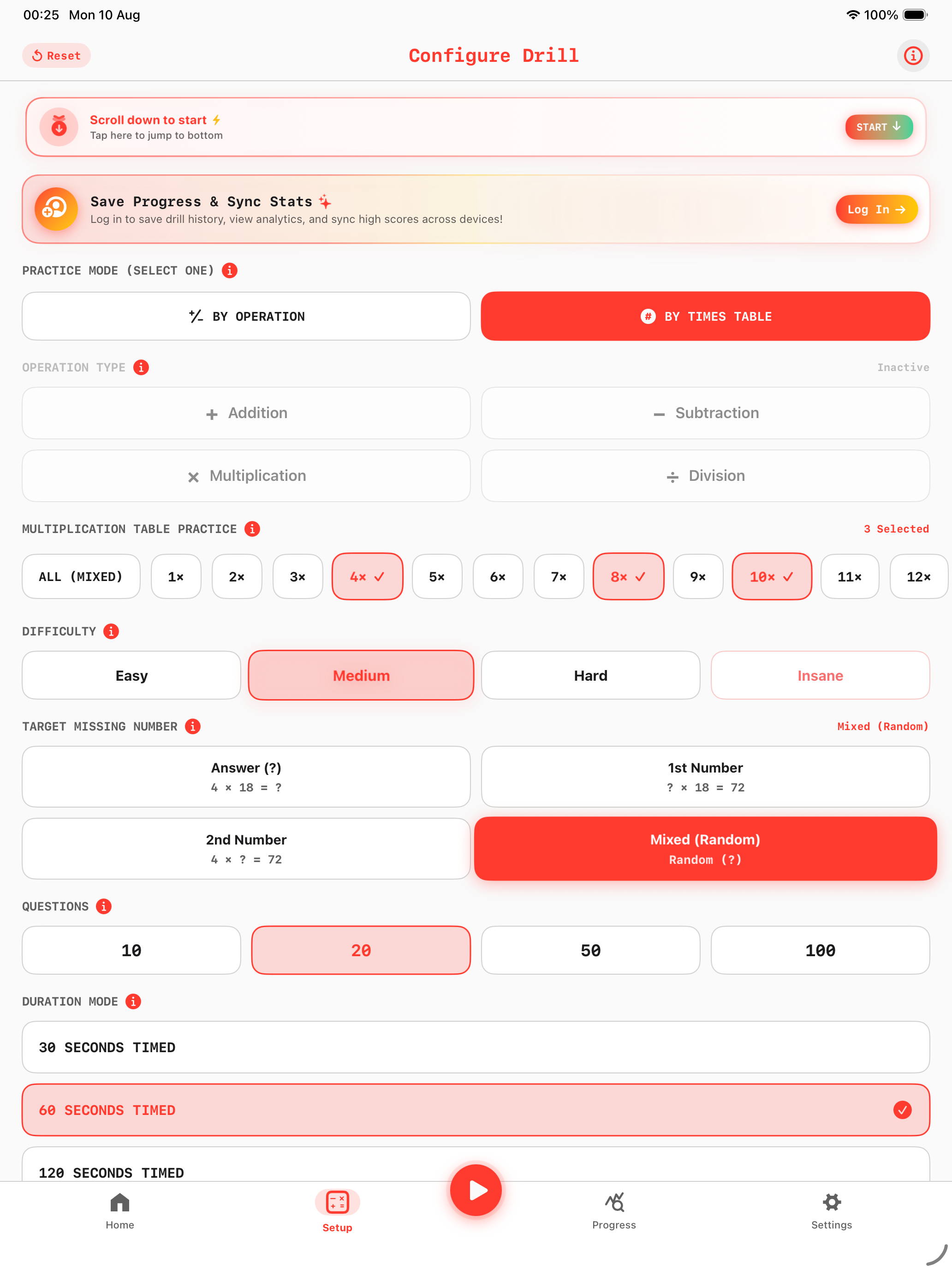
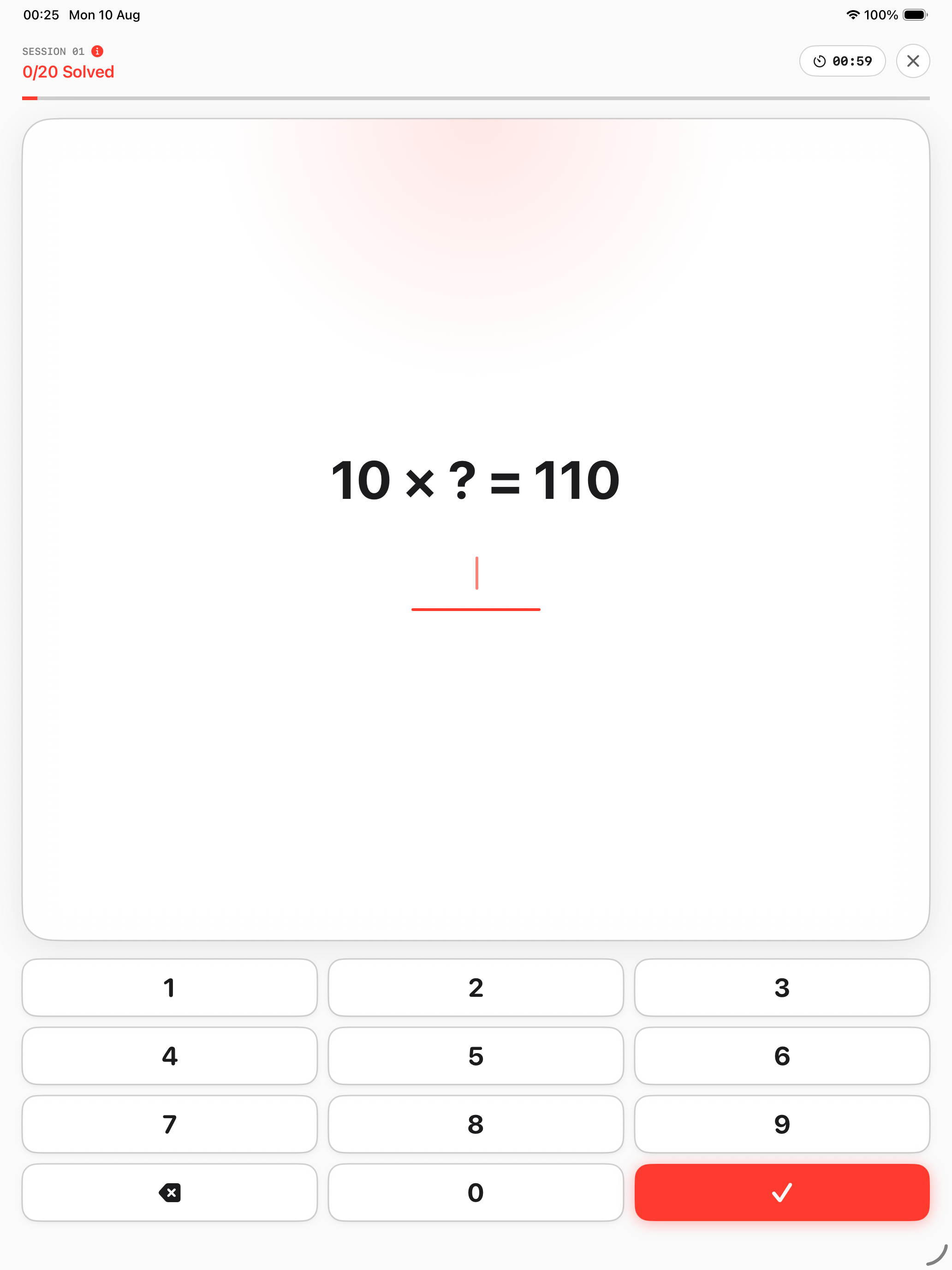
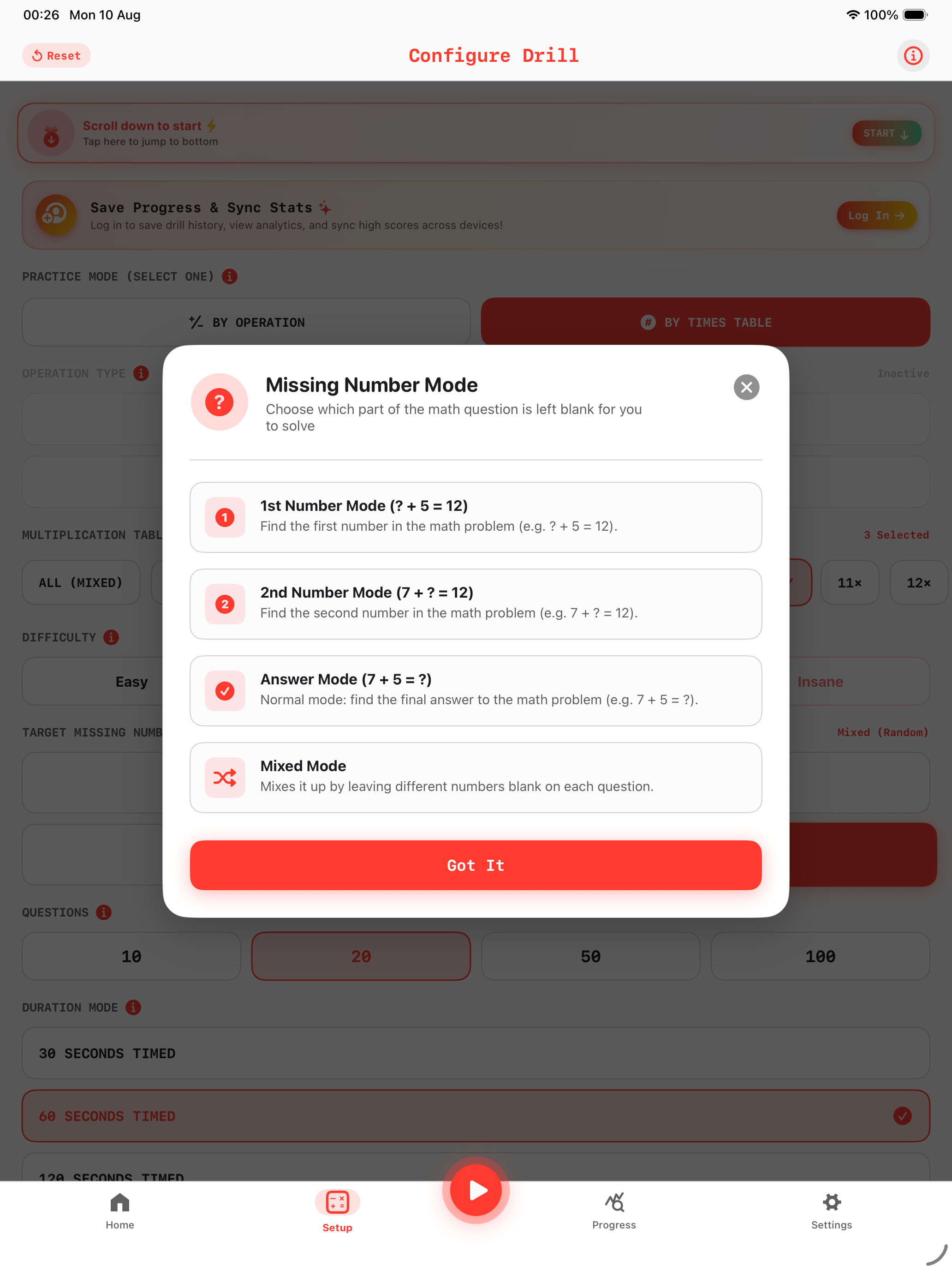
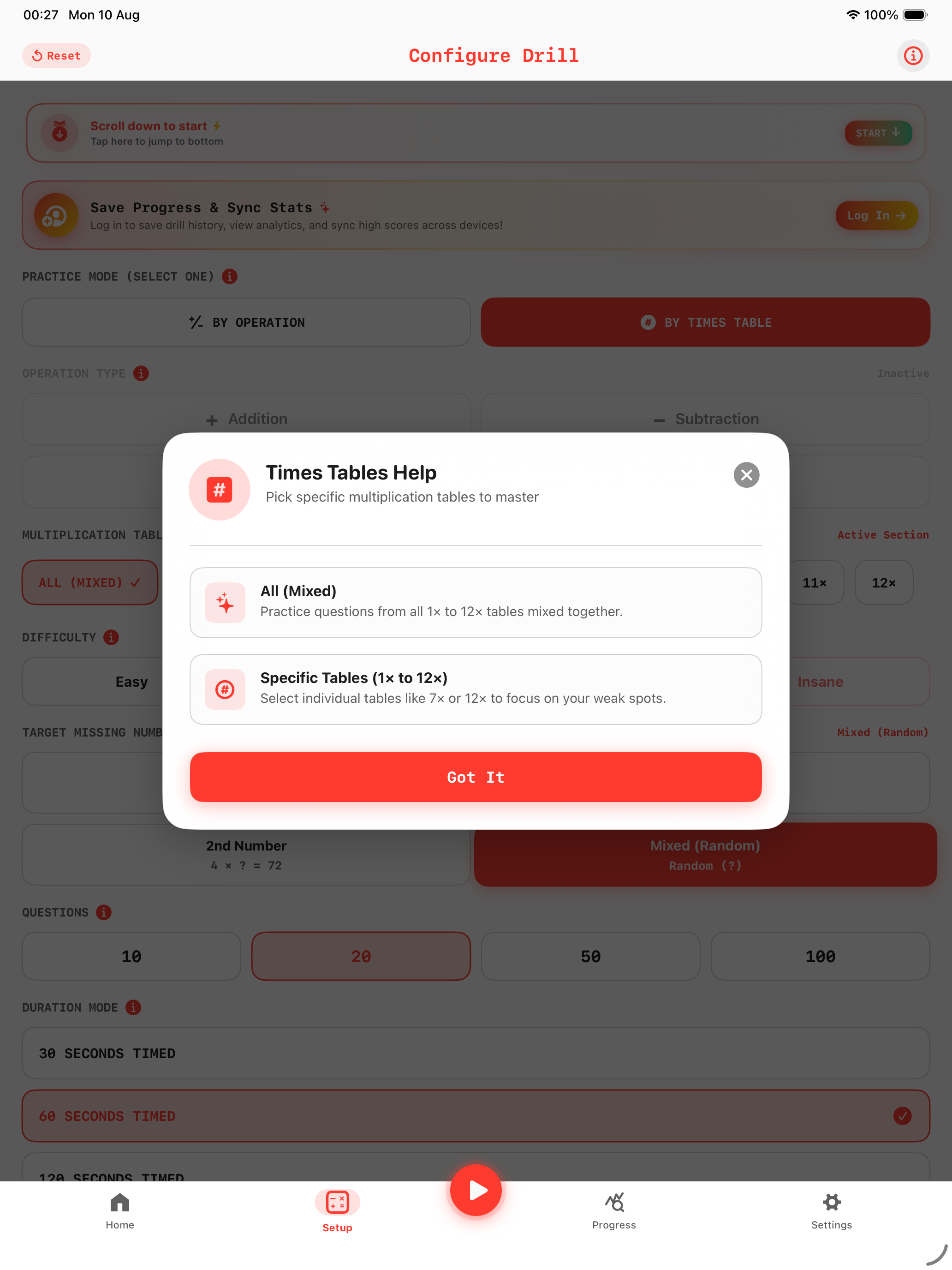
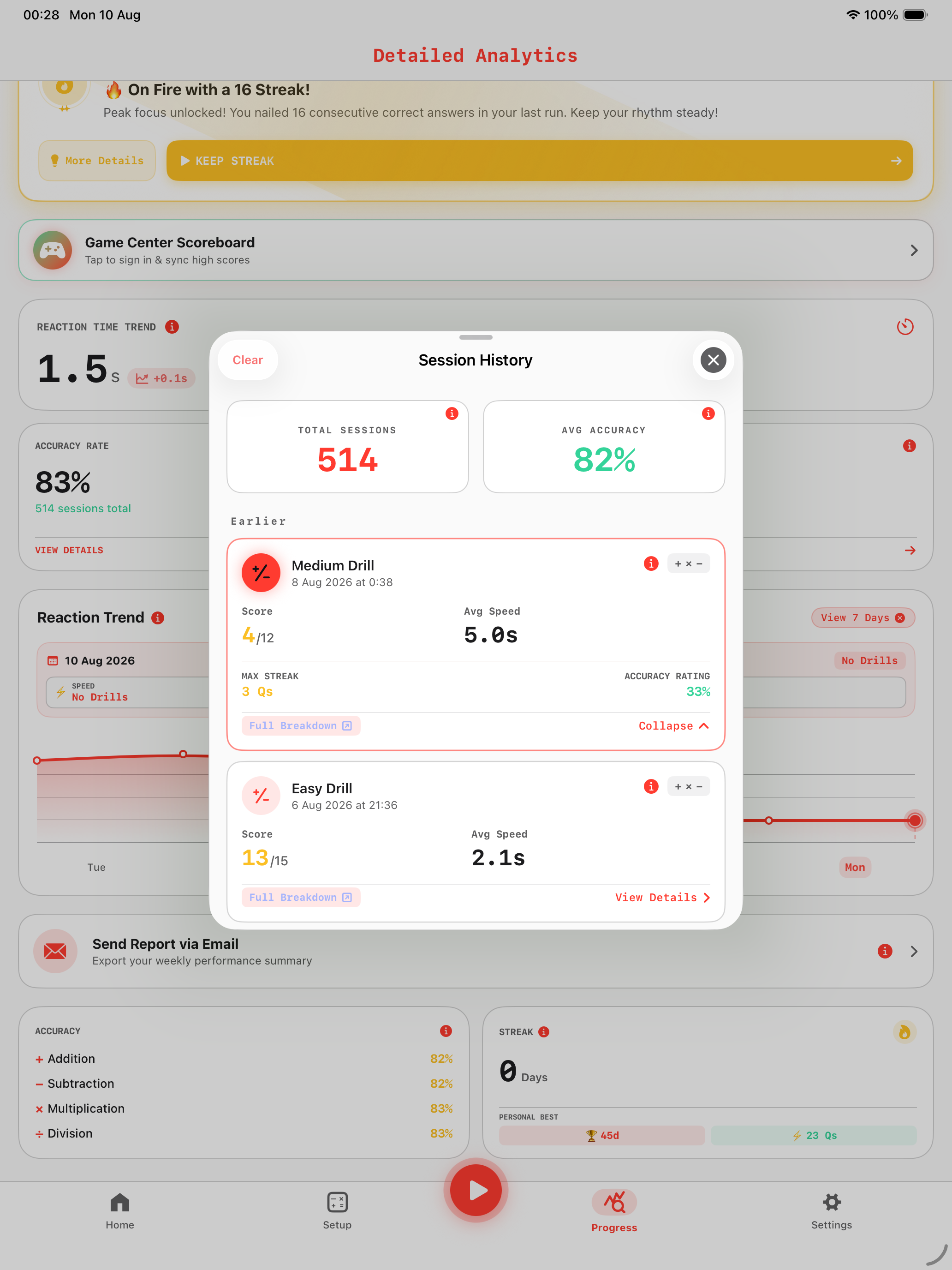
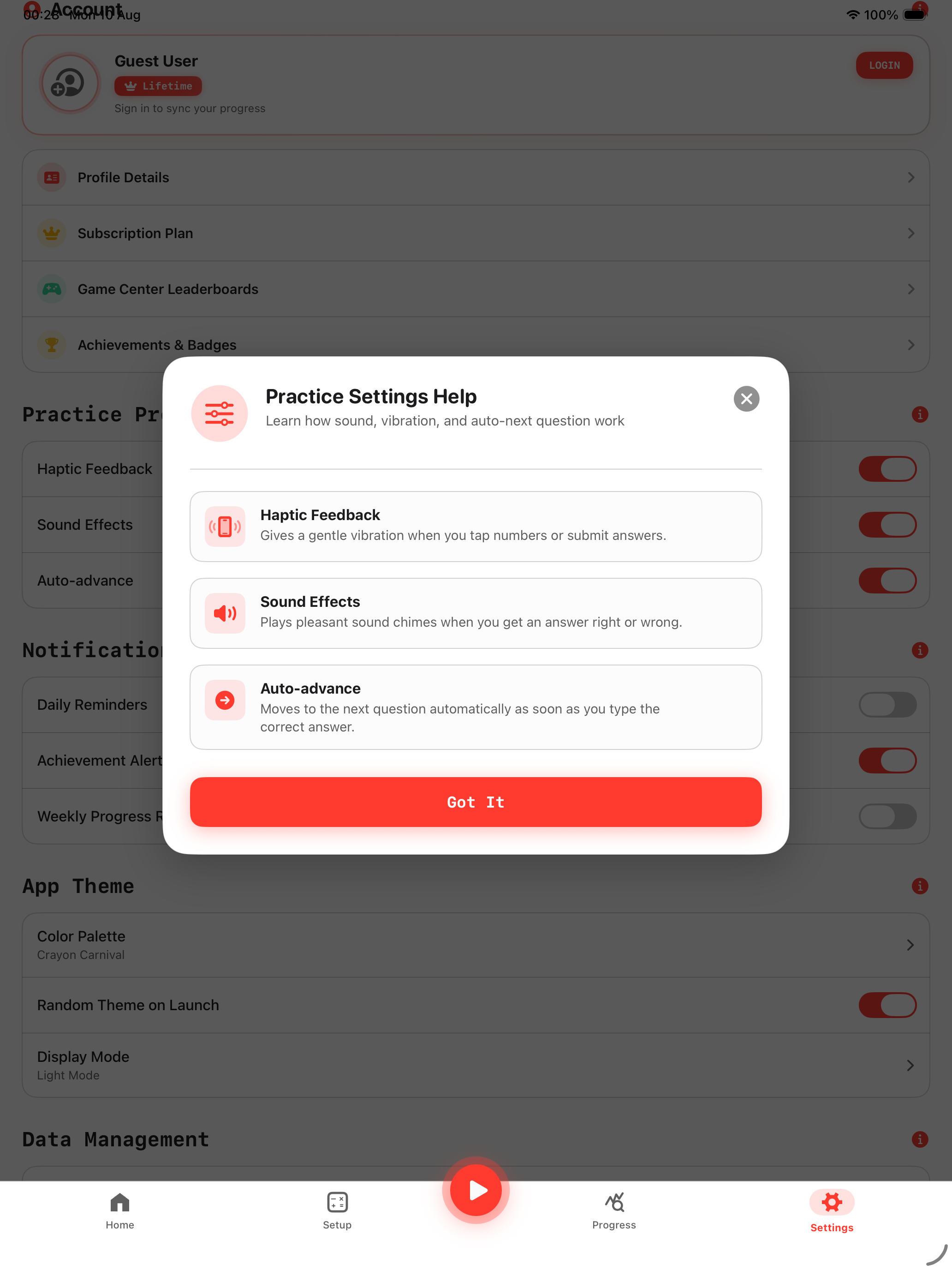
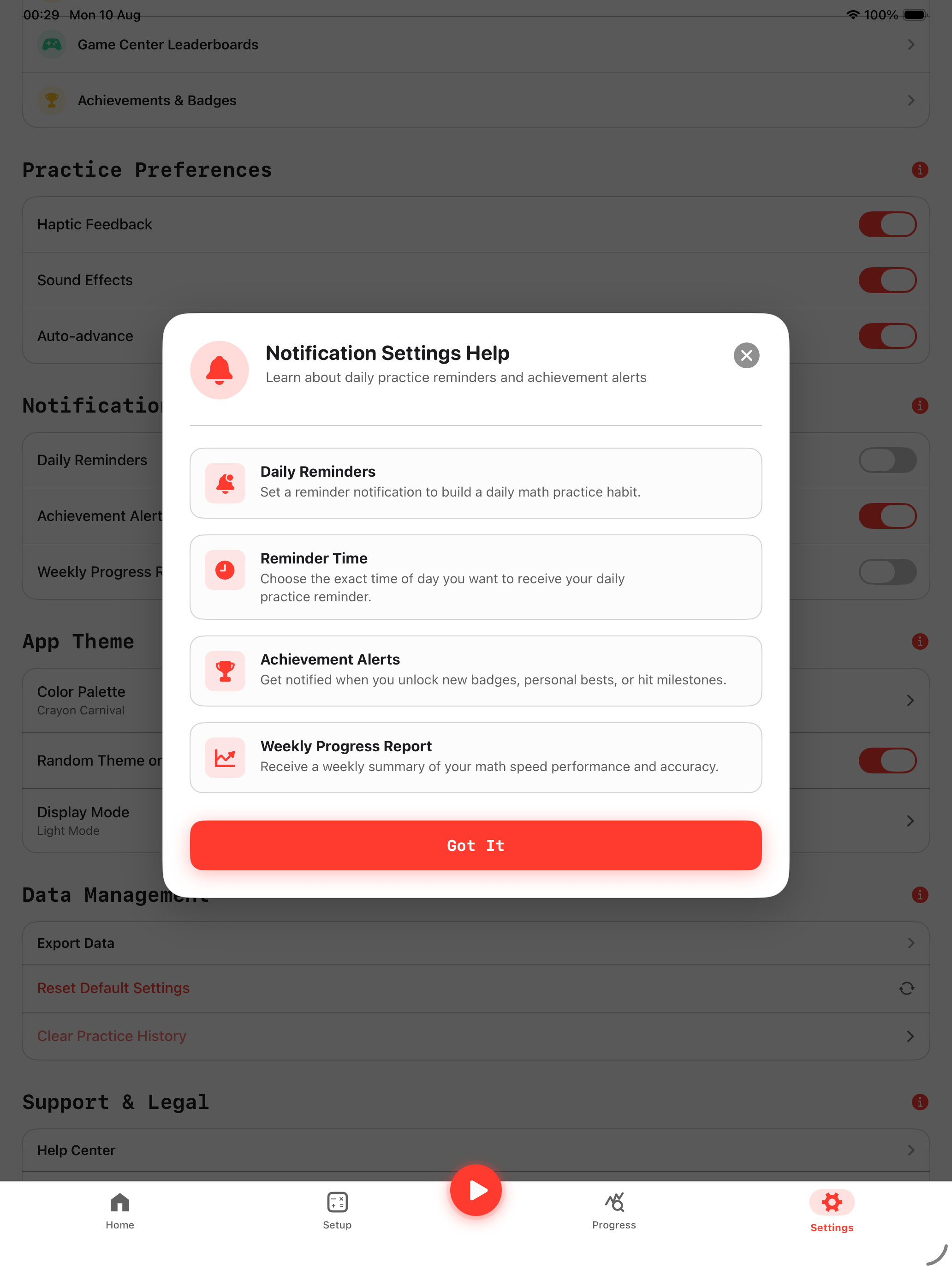
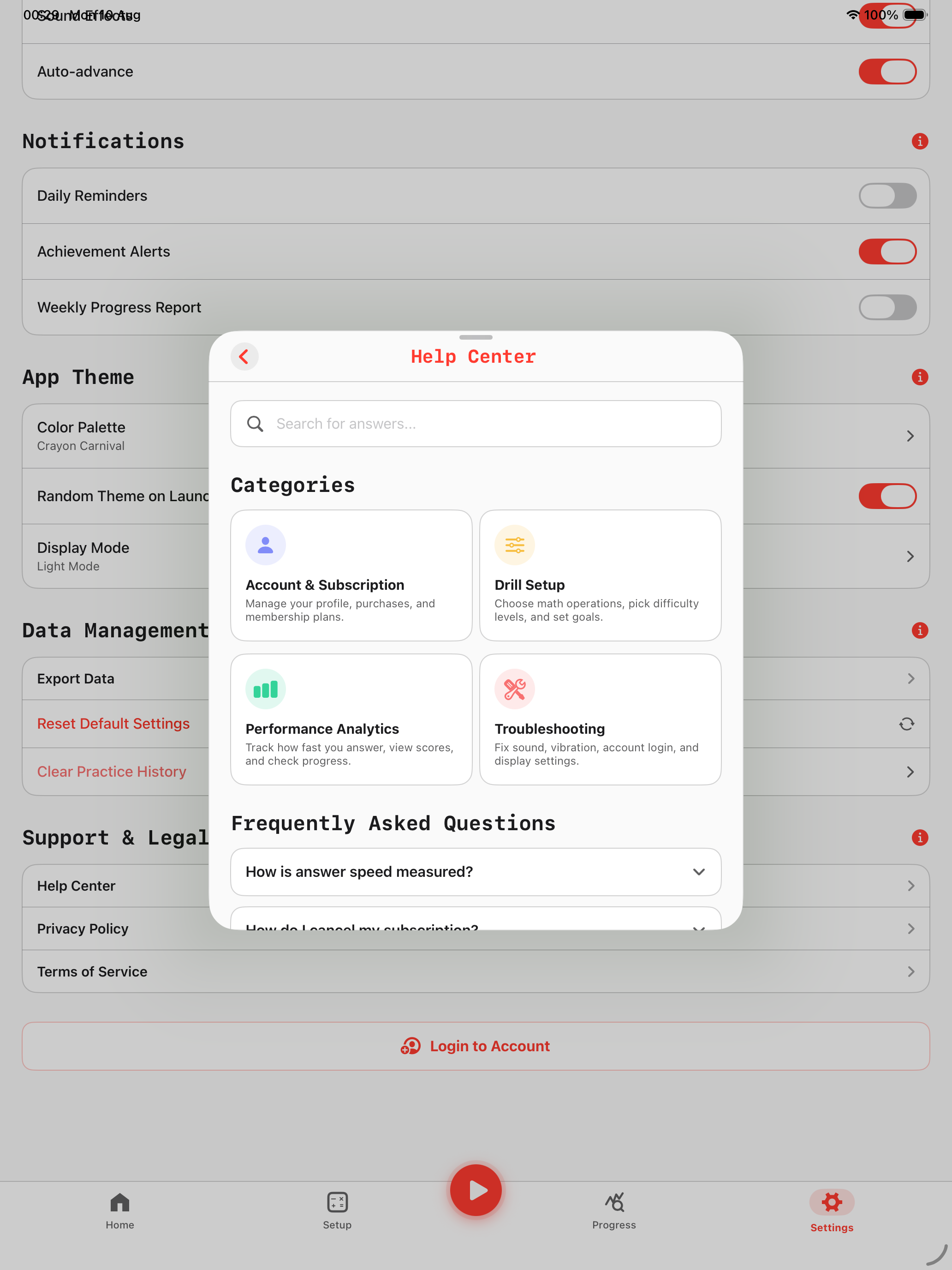
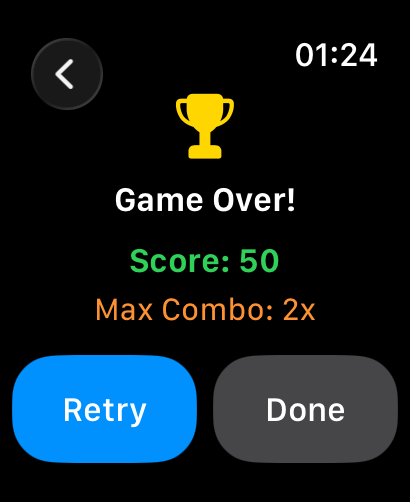
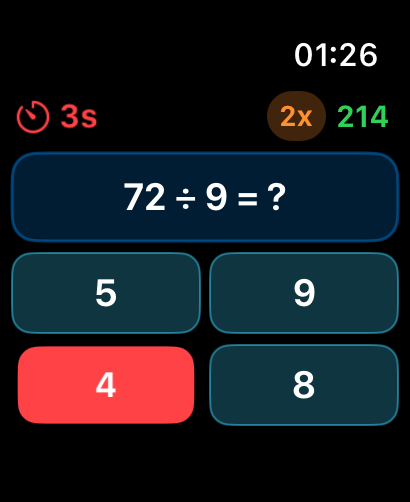
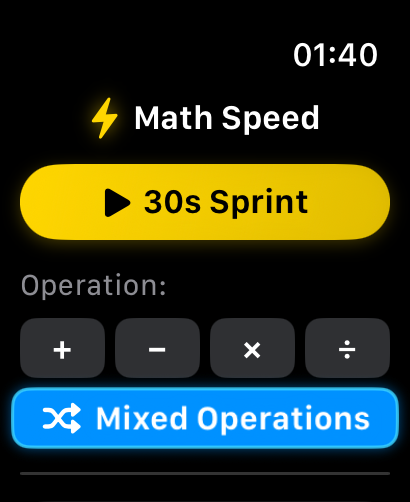
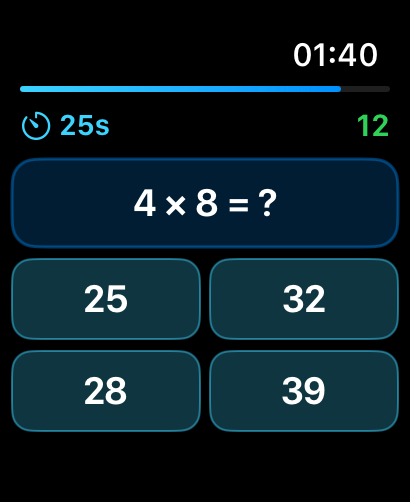
Browse through 37 high-contrast iOS, iPadOS, and watchOS screens. Tap any screenshot to inspect in full zoom!
The Secret to Fast Mental Calculations
Have you ever frozen up when trying to add prices, split a dinner bill, or calculate numbers under pressure during a test? Math Speed is your personal brain trainer.
Calculate 10x Faster in Your Head
Just 2 to 3 minutes of daily practice trains your brain to solve sums, differences, and multiplication tables automatically—without reaching for a calculator or counting on fingers.
Never-Ending Fresh Questions
No static flashcards or memorized answer keys. Our smart math engine generates fresh equations every time you play, building true mental math agility.
Watch Your Brain Get Faster
Track your answer speed down to milliseconds. Watch your personal reaction time drop from 2.0 seconds down to a lightning-fast 0.4 seconds per problem.
Train Right on Your Apple Watch
Turn idle waiting time into brain workouts. Practice right on your wrist with satisfying haptic vibrations for every correct answer.
Built-In Mental Math Calculation Tricks
Math Speed doesn't just drill equations—it embeds shortcut calculation techniques into your daily practice routine.
Left-to-Right Addition
Add larger place values first to maintain immediate mental estimates before adding unit digits.
- Step 1: 45 + 32 → Add tens: 40 + 30 = 70
- Step 2: Add units: 5 + 2 = 7
- Step 3: Final sum: 70 + 7 = 77
Round Up & Subtract
Round numbers ending in 7, 8, or 9 up to the nearest 10, then subtract the excess offset.
- Step 1: 47 + 38 → Round 38 up to 40
- Step 2: 47 + 40 = 87
- Step 3: Subtract excess offset 2: 87 - 2 = 85
Unit Matching Shortcut
Instantly eliminate incorrect distractor answers by calculating only the last digit of the product.
- Example: 7 × 8 must end in digit 6
- Example: 9 × 4 must end in digit 6
- Instantly tap correct choice without full calculation
Outside-In Pairing
Pair opposite ends of series numbers to transform complex addition into simple multiplication.
- Formula: (1 + 100) = 101
- Pairs: 50 pairs of 101
- Total: 50 × 101 = 5,050
Compete Globally & Unlock Arithmetic Medals
Fully integrated with Apple Game Center. Unlock operation-specific achievements across +, −, ×, ÷ from Easy to Insane tiers, and climb the Global High Score and Streak Leaderboards.
Streak Master
Speed Demon
+, −, ×, ÷ Master Badges
Wrist Champion
Simple, Honest Pricing. Zero Ads.
Try Math Speed completely free with daily 60-second workout refills, or start a 3-Day Free Trial on our Monthly Pass. Upgrade via Apple StoreKit 2 for unlimited training across all your devices.
Free Starter
- 2-Min Starter Allowance
- 60s Daily Free Refill (Every 24h)
- 30-Second Speed Sprints
- Basic Performance History
- 100% Offline & Zero Ads
Monthly Pass
- 3-Day Free Trial Included
- All Operators: +, −, ×, ÷
- 3 Practice User Profiles
- Smart Mistake Coaching & Retest
- Standalone Apple Watch App
- Detailed Speed Charts & Latency
- 100% Ad-Free Practice
Annual Pass
- All Operators: +, −, ×, ÷
- 3 Practice User Profiles
- Smart Mistake Coaching & Retest
- Household Scoreboard Podium
- Apple Game Center Achievements
- Standalone Apple Watch App
- Detailed Speed Charts & Latency
- Priority Support & 100% Ad-Free
Lifetime Pro Pass
- All Operators: +, −, ×, ÷
- Apple Family Sharing (Up to 6 IDs)
- 3 Practice User Profiles & Avatars
- Smart Mistake Coaching & Retest
- Times Tables Mode: 1–12 Selection
- Target Operand Modes: 1st, 2nd, Mixed
- Standalone Apple Watch App
- Household Scoreboard & Game Center
- Full Data Sovereignty: JSON & CSV
- 100% Ad-Free & Offline Forever
Subscription Terms: The 3-Day Free Trial is an introductory offer available on the Monthly Pass. Cancel anytime at least 24 hours prior to the trial conclusion in your Apple ID settings (Settings > [Your Name] > Subscriptions). If cancelled, you retain full Pro features until the 3 days end, then revert automatically to the complimentary 60-second daily practice refill with zero charges. Lifetime Pro Pass is a single one-time payment with Family Sharing for up to 6 members.
Test Your Reaction Time Right Now
Experience our high-contrast, zero-latency mental arithmetic engine directly in your browser.
Calculate at the Speed of Thought with Math Speed ⚡
The Ultra-Fast, Distraction-Free Mental Math Laboratory for iOS, iPadOS, and Apple Watch.
Are slow mental calculations holding you back during high-stakes exams, job interviews, or daily decisions? Math Speed is the ultimate high-performance mental arithmetic trainer built to transform your brain into a human calculator.
Whether you’re preparing for competitive exams like the GMAT, GRE, SAT, or CAT, sharpening quantitative skills for financial trading and consulting, or simply wanting to keep your mind razor-sharp, Math Speed provides the precision drills and instant feedback you need to calculate up to 3× faster in just 14 days.
🔥 Why High Performers Choose Math Speed
Infinity Procedural Engine
Say goodbye to repeated static questions. Our procedural math generator builds infinite randomized Addition (+), Subtraction (-), Multiplication (×), and Division (÷) problems instantly on-device.
Custom Tactile Keypad
Never lose precious seconds waiting for standard phone keyboards to pop up. Our monospaced keypad is optimized for 120Hz ProMotion high-refresh zero-latency input.
Millisecond-Precision Analytics
Track your exact reaction time down to the millisecond per equation. Detect speed bottlenecks, analyze accuracy curves, and watch your daily streaks rise.
Apple Watch Companion
Enjoy seamless cross-device training. Practice discreetly right from your wrist with native watchOS haptic feedback and instant sync.
100% Offline & Private
Zero ads, zero tracking, zero Wi-Fi required. Pure, uninterrupted focus dedicated strictly to building raw calculation speed.
🧠 Who is Math Speed Designed For?
Competitive Exam Takers
Shave 15–30 seconds off quantitative problems for GMAT, GRE, SAT, ACT, CAT, and Civil Services entrance exams.
Finance & Consulting Professionals
Ace case interviews (McKinsey, BCG, Bain), quantitative finance assessments, market sizing, and fast-paced boardroom math.
Students & Children
Build rock-solid arithmetic fluency and master multiplication tables through engaging, rapid-fire drills that make math fun.
Brain Fitness Enthusiasts
Keep working memory sharp and enhance daily cognitive reaction speed with 5-minute daily mental math workouts.
🏆 Transform Your Math Speed in 3 Simple Steps
Building lightning calculation speed is straightforward with our targeted methodology.
Select your target operators (Addition, Subtraction, Multiplication, Division or Mixed) and set difficulty parameters.
Answer rapid-fire equations using the zero-lag tactile keypad, powered by real-time sound and haptic feedback.
Review your millisecond reaction times, identify speed traps, and watch your daily streak grow on interactive charts.
💬 Frequently Asked Questions
Can multiple people practice on one device with separate scores?
Yes! Math Speed supports up to 3 local Practice User Profiles (Practice 1 to 3 or custom profiles) on a single iPad or iPhone. Each user gets isolated history, accuracy curves, and custom difficulty settings with built-in settings change safety warnings.
What subscription plans are available & is Family Sharing supported?
Math Speed includes a Free Starter tier (2-min bonus + 60s daily free refill). Premium options include Monthly ($1.99 with an introductory 3-Day Free Trial), Annual ($19.99/yr — save ~16%), and Lifetime Pro ($29.99 one-time with Apple Family Sharing for up to 6 accounts). Cancel trial anytime in iOS Settings > Subscriptions.
How do 30-second drills improve calculation speed?
By constraining drills to 30 seconds with a zero-latency tactile numeric pad, your brain stops relying on slow manual counting and starts developing rapid visual arithmetic pattern recognition.
How does the 60-second daily free practice refill work?
You receive 2 minutes of free practice upon installation. After using it, an automatic 60-second free workout refills every 24 hours with a live countdown timer, building daily calculation habits.
What are Smart Mistake Tips & how do they help?
MathTipService analyzes incorrect questions and shows step-by-step mental shortcuts (e.g. Near-10 compensation, ×9/×5/×11 shortcuts) and reflex pacing insights (<0.35s rushed vs >3.0s hesitated).
Can I launch drills with Siri or Spotlight Search?
Yes! Say "Hey Siri, Start Math Speed Drill" or "Practice Times Tables" to launch instant workouts, or search arithmetic operations directly from your iOS Home Screen search.
Can I customize color themes and dark/light modes?
Math Speed includes 20 designer accent themes across Playful, Minimalist, Cyberpunk, and Warm tones, each meticulously tuned for Light Mode and battery-saving OLED Dark Mode.
Is Math Speed effective for GMAT & consulting prep?
Yes. Exam takers and case interview candidates use Math Speed daily to build effortless mental fluency with double-digit multiplication, division, and rapid estimations without a calculator.
Does Math Speed work 100% offline?
Absolutely. All equation generation and millisecond telemetry happen locally on your Apple device. There are zero third-party ads, zero tracking scripts, and no Wi-Fi required.
Which Apple devices are supported?
Math Speed is fully native across iOS (iPhone), iPadOS (iPad Pro multi-column display), and watchOS (standalone Apple Watch training with haptic tap feedback).